
Apps for your phone
Android apps, made to do one job well and keep your things on your own phone.

See who does not follow you back on Instagram, and who stopped following you — using your own Instagram data export. Everything stays on your phone.
Version 0.1.0 · Android
Coming soonFree demo - try it now. The full app arrives at release.

Samsung-first Android video playback and looping utility by CashDublo.
Version 0.1.0 · Android
Coming soonFree demo - try it now. The full app arrives at release.

Build your own voice. Paste a link to a video or sound you own, pick the best parts in the clip editor, and train a voice that can speak new words in your voice.
Version 0.1.0 · Android
Coming soonFree demo - try it now. The full app arrives at release.
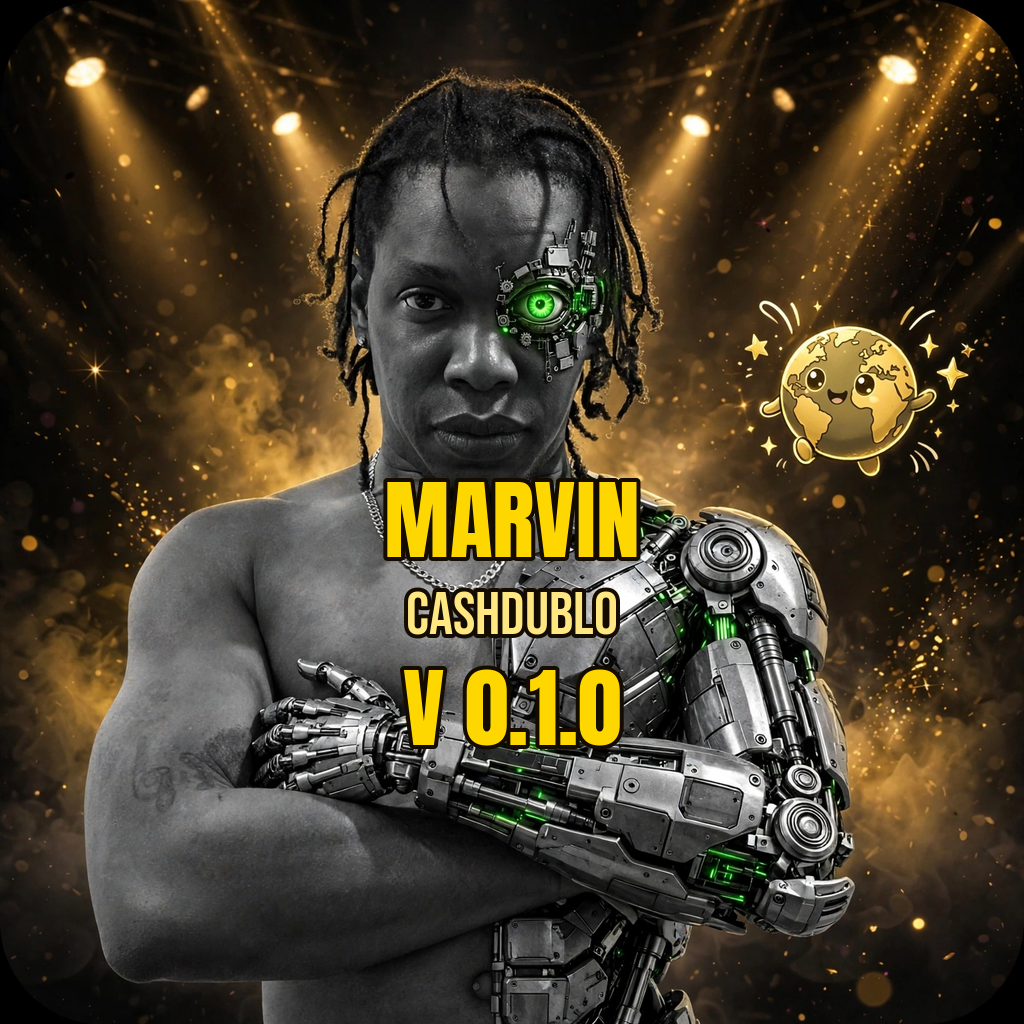
Marvin is a bouncing globe with two eyes, eyelashes, a nose, a mouth,
Version 0.1.0 · Android
Coming soonFree demo - try it now. The full app arrives at release.
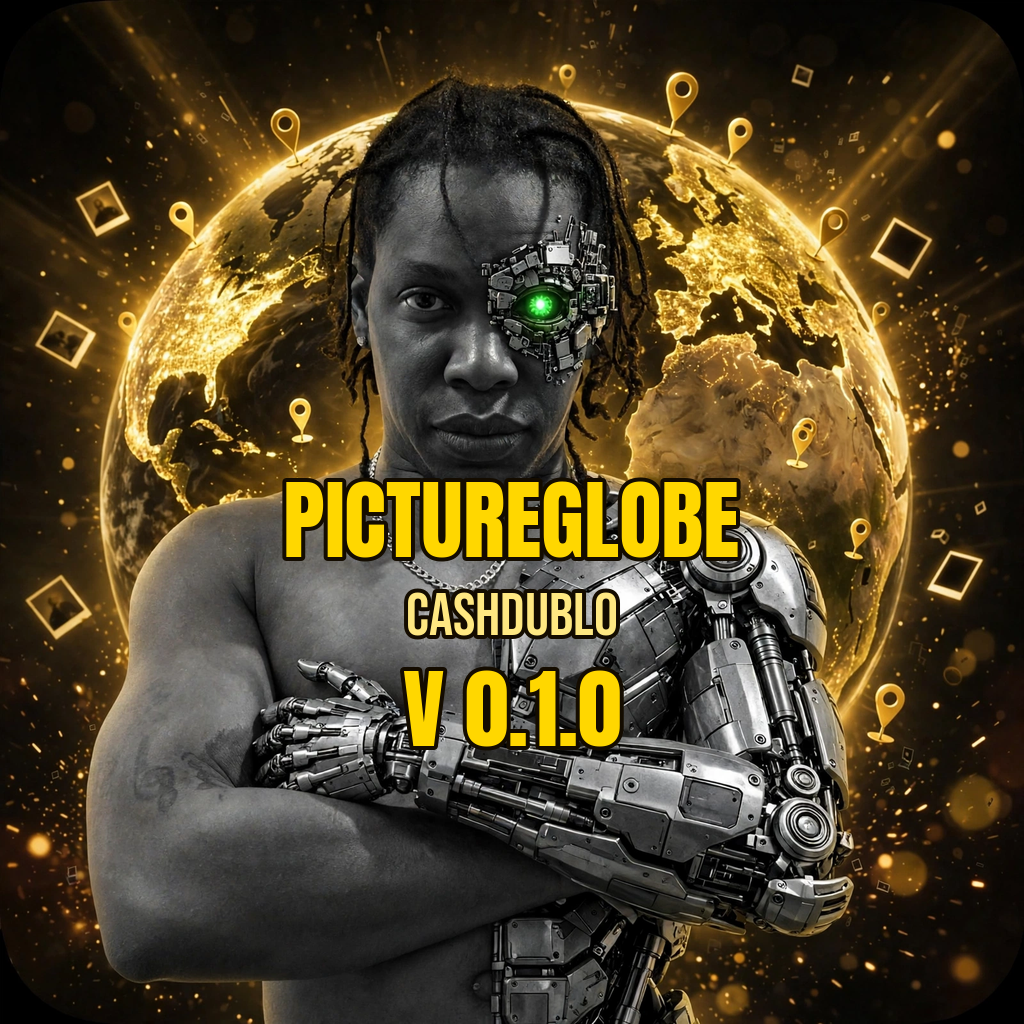
PictureGlobe reads your phone gallery (only with your permission) and puts every photo that carries a place onto a spinning globe as a pin.
Version 0.1.0 · Android
Coming soonFree demo - try it now. The full app arrives at release.
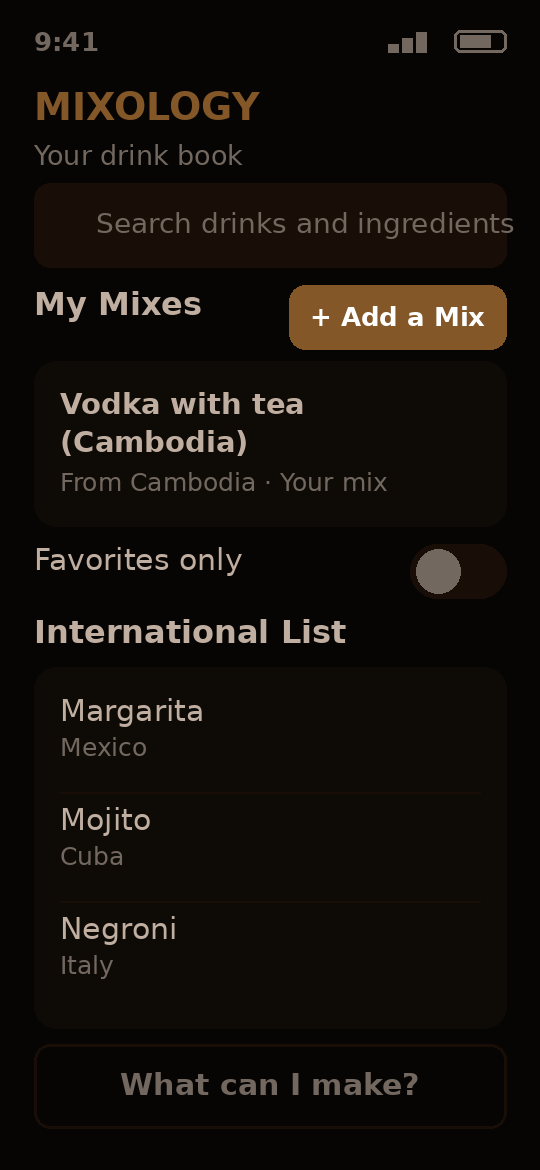
Your drink book: your own mixes, an international drink list, and a finder that tells you what you can make with what you have.
- My Mixes: add, edit and delete your own drinks - your words are saved exactly as you type them, never rewritten
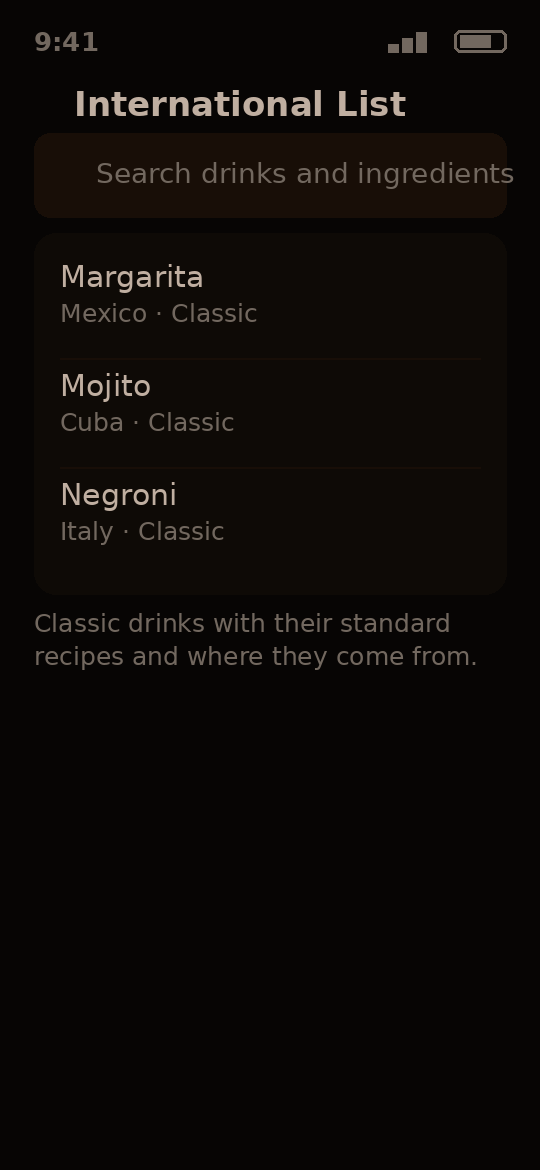
- An international list of classic drinks with their standard recipes and where they come from
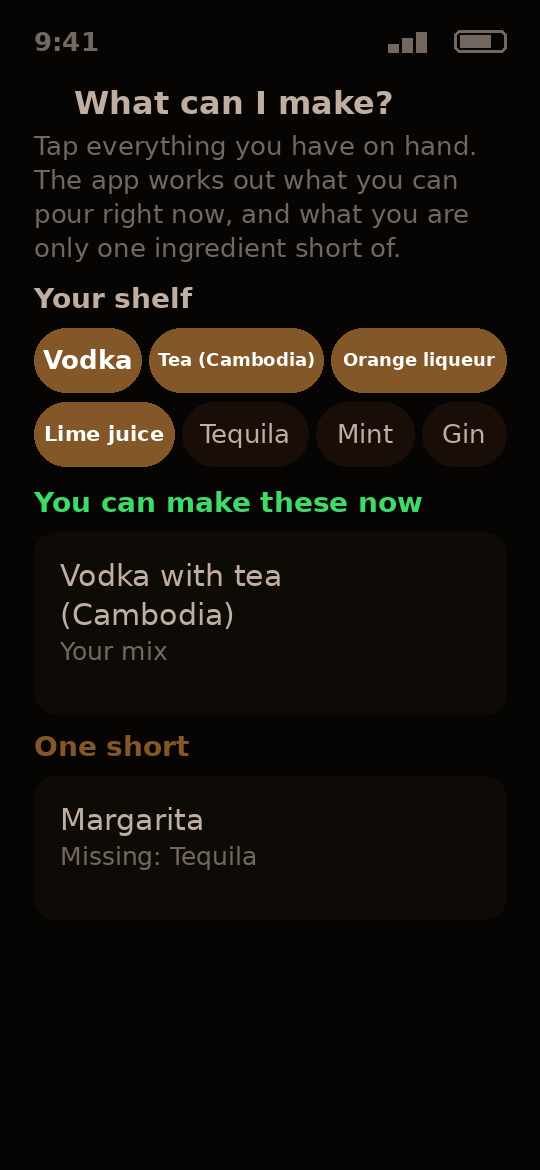
- The Finder: tick what you have on hand and see what you can make right now - plus the drinks you are exactly one ingredient short of, with the missing one named
- Search across everything, and a favorites switch for your starred drinks
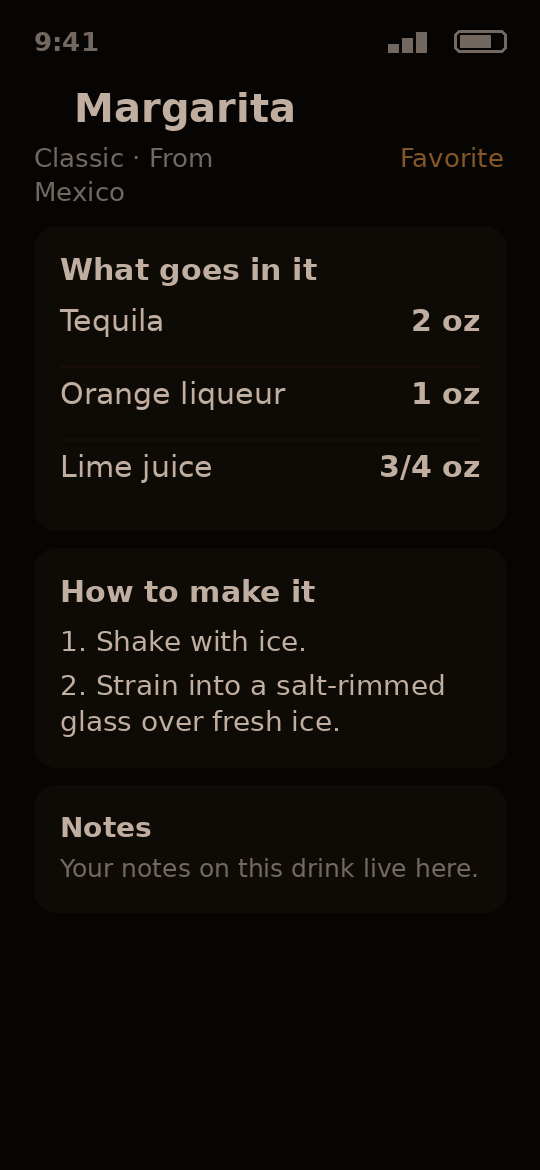
- Every drink page shows what goes in it, the amounts, the steps and your notes
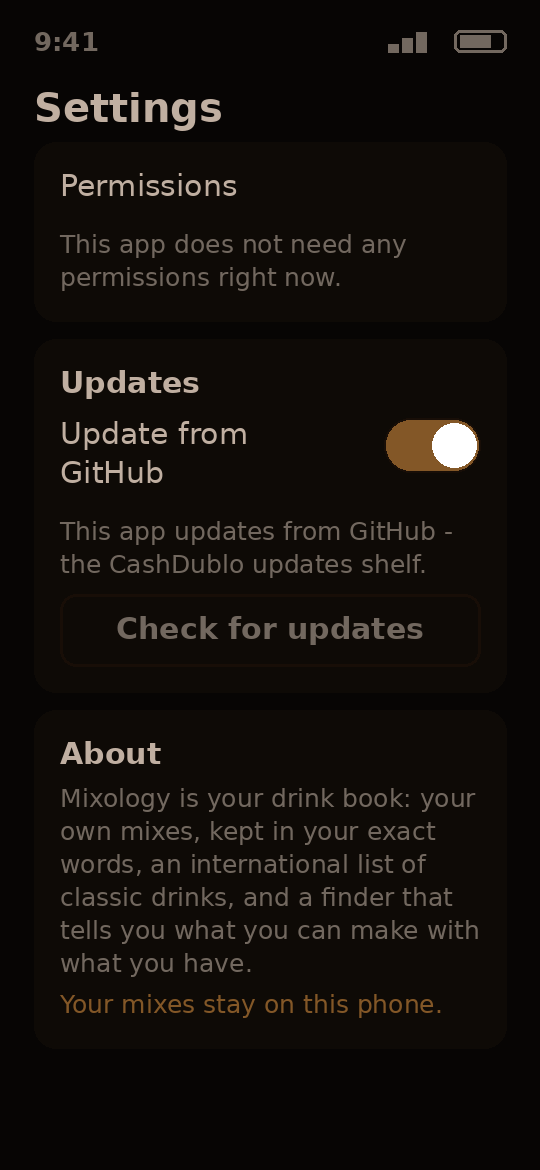
- Asks for no permissions at all - a recipe book needs none
- World Drinks: browse by country - 1,140 drinks from 52 countries, and growing
- Every World Drink with alcohol also carries a virgin version - made by swapping the alcohol out
- World drink recipes come from Open Drinks and TheCocktailDB, plus a hand-picked national drinks list
- Six themes in the Theme Manager, including its own Amber Bar
- Speaks 14 languages, picked in Settings
- Works offline — the whole drink library lives on your phone, and your changes are saved on this phone and pushed when the internet comes back
- A developer panel in Settings, opened by tapping the install code
Why have it: your own mixes kept word for word, the classics at hand, and an answer to "what can I make tonight?" from what is already on your shelf.
Version 0.2.0 · Android
Free demo - try it now. The full app arrives at release.

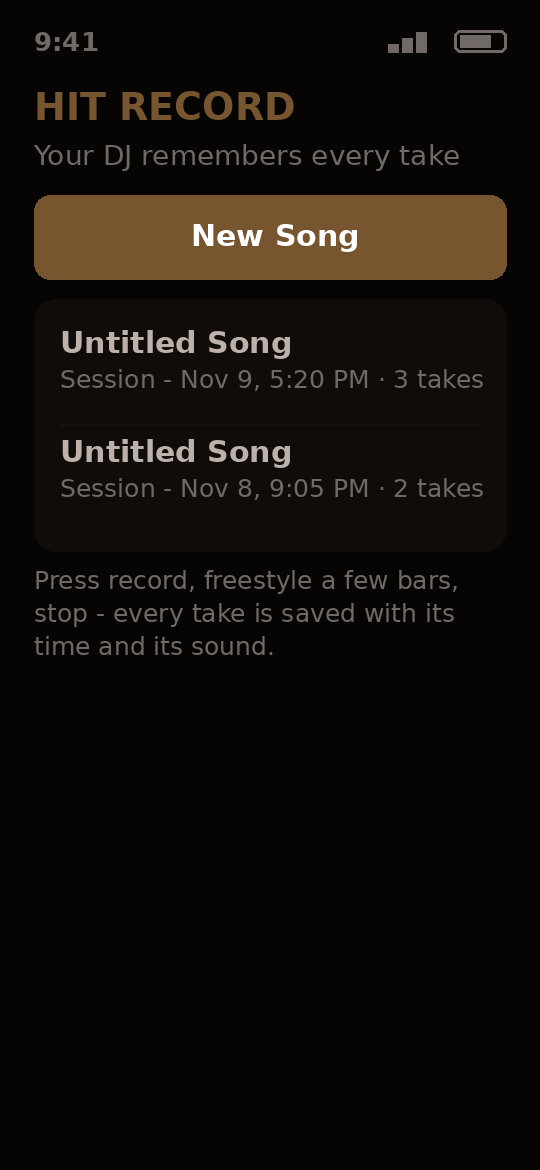
An AI DJ and recording partner that remembers your whole songwriting process.
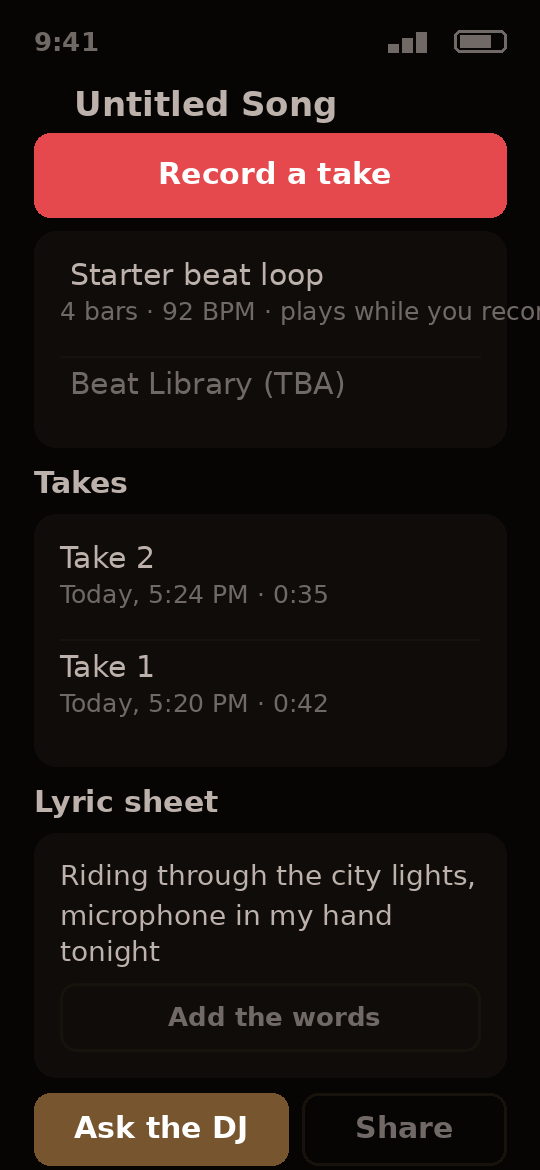
- Press record, freestyle a few bars, stop - every take is saved with its time and its sound
- Come back days later and add more - takes are grouped into sessions, so you see how the song grew
- Your words are kept exactly as you write them - slang is never corrected or rewritten
- The app proposes correction or new lines for each take - you confirm with one tap, and old takes are never deleted quietly
- A built-in starter beat loop plays while you record, so you write over the beat
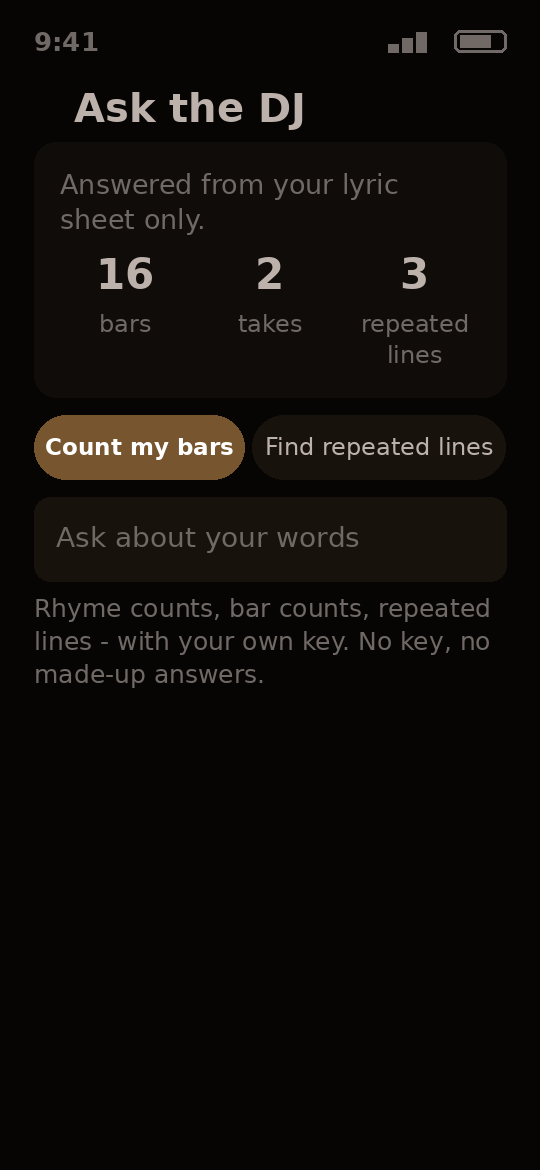
- Ask the DJ (rhyme counts, bar counts, repeated lines) - answered from your lyric sheet only, with your own key
- Learn the Industry: a teaching library of 56 topics in plain words - royalties, the industry, and copyright fully written (26 lessons), read or listen with no internet
- Ask the DJ's Lessons mode answers from the written lessons only - it never improvises law, rates, or advice
- Role Model topics (work ethic, money, contracts, negotiation) wait behind a Settings switch as named TBA lessons until they are written
- Voice synthesis - Ask the DJ can speak in a trained voice (premium feature, TBA)
- Share the lyric sheet with one tap
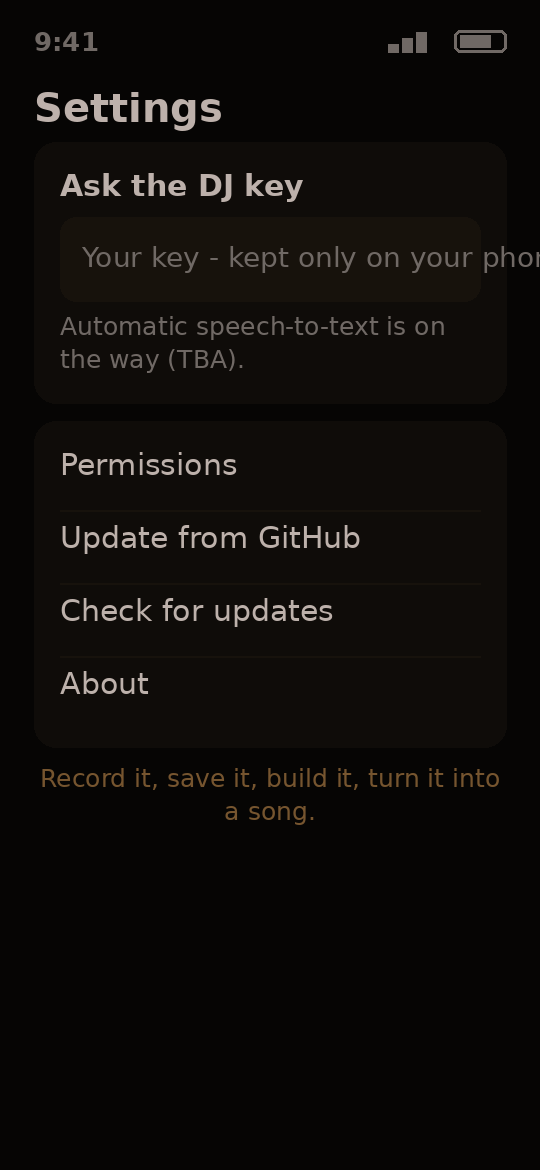
- Automatic speech-to-text is on the way (TBA)
Why have it: you never lose a bar. Every take, every fix, every session - kept in order until the song is done.
Version 0.3.0 · Android
Free demo - try it now. The full app arrives at release.
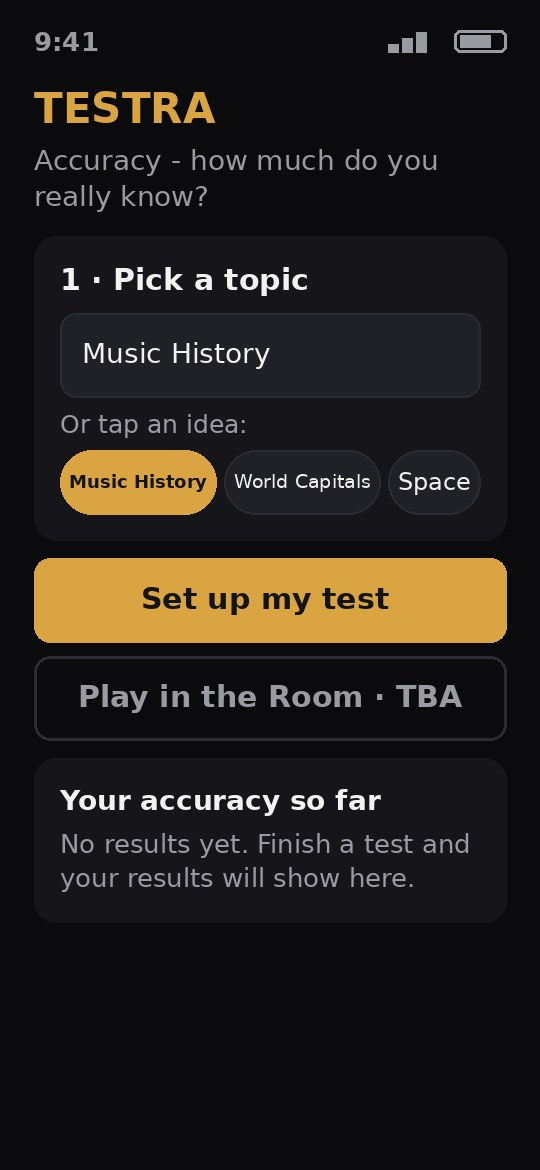
Pick any topic. The app writes a test on it, you answer, and it grades your accuracy.
- Type any topic you want to be tested on, or pick a ready-made one
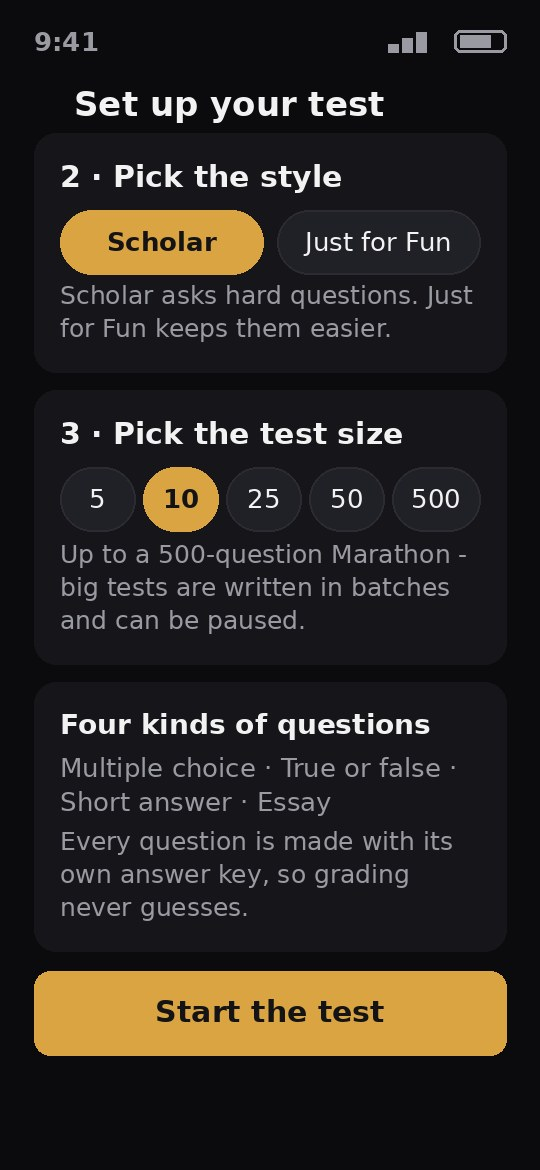
- Two styles: Scholar (hard questions) or Just for Fun (easier ones)
- Test sizes from 5 questions up to a 500-question Marathon - big tests are written in batches and can be paused and picked up later
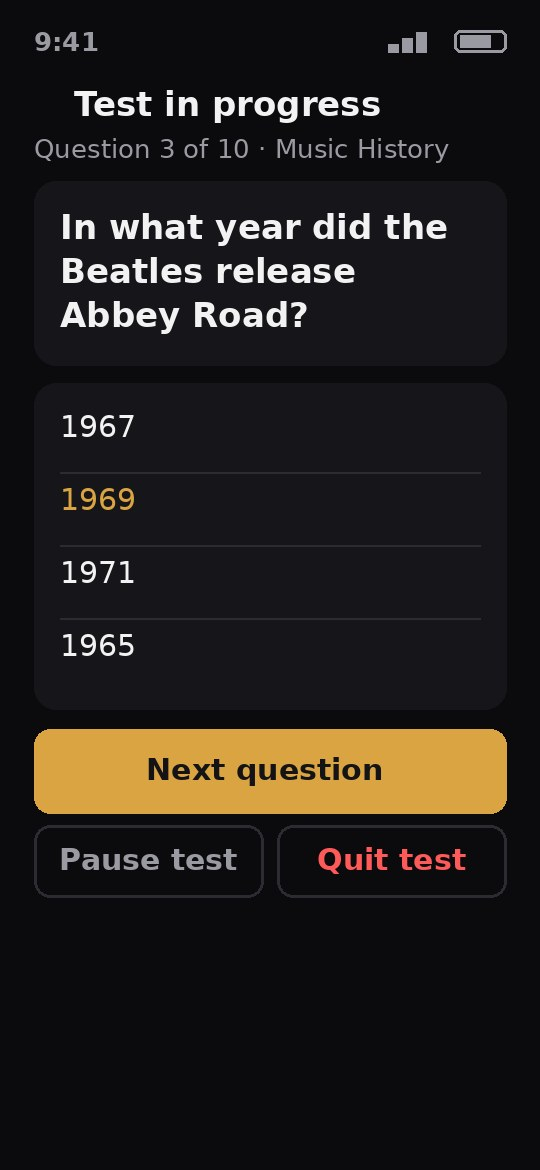
- Four kinds of questions: multiple choice, true or false, short answer and essay
- Every question is made with its own answer key, so grading never guesses
- At the end: your accuracy score, a letter grade, and a review of every question
- History keeps every finished test, so you can watch your accuracy climb
- Questions are written with your own key, which is kept only on your phone
- Play in the Room - a same-room party game - is planned for a later version (TBA)
- Six color themes to pick in Settings, including Golden Check - exam-hall dark with the deep gold of the glowing checkmark
- The app's words come in 14 languages, chosen on the first run and changeable in Settings
- Offline mode is announced out loud: a test already written keeps going, and writing and grading wait honestly until the internet is back
- App lock in Settings: fingerprint, two-factor code, or an app password - your choice, any mix
Why have it: turn anything you are learning into a real test in minutes, and prove to yourself what you actually know.
Version 0.2.0 · Android
Free demo - try it now. The full app arrives at release.
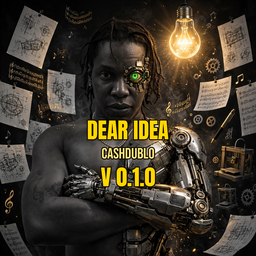
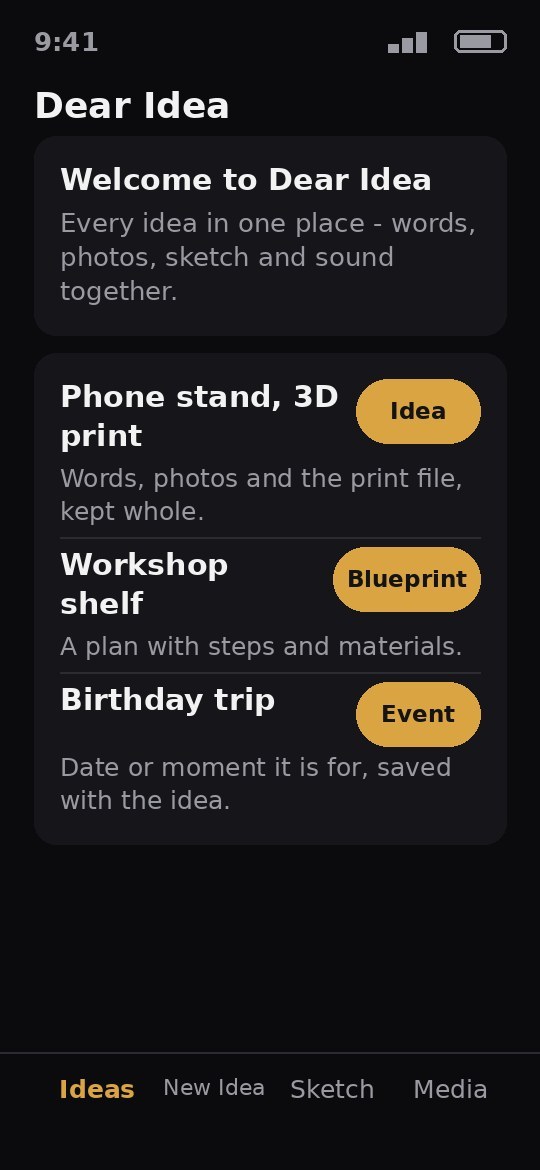
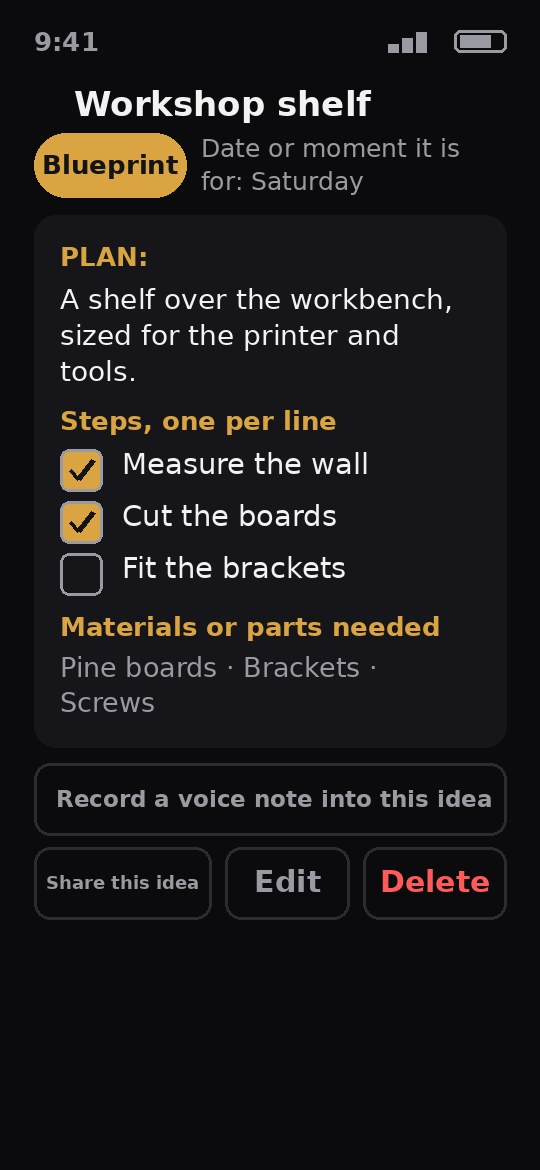
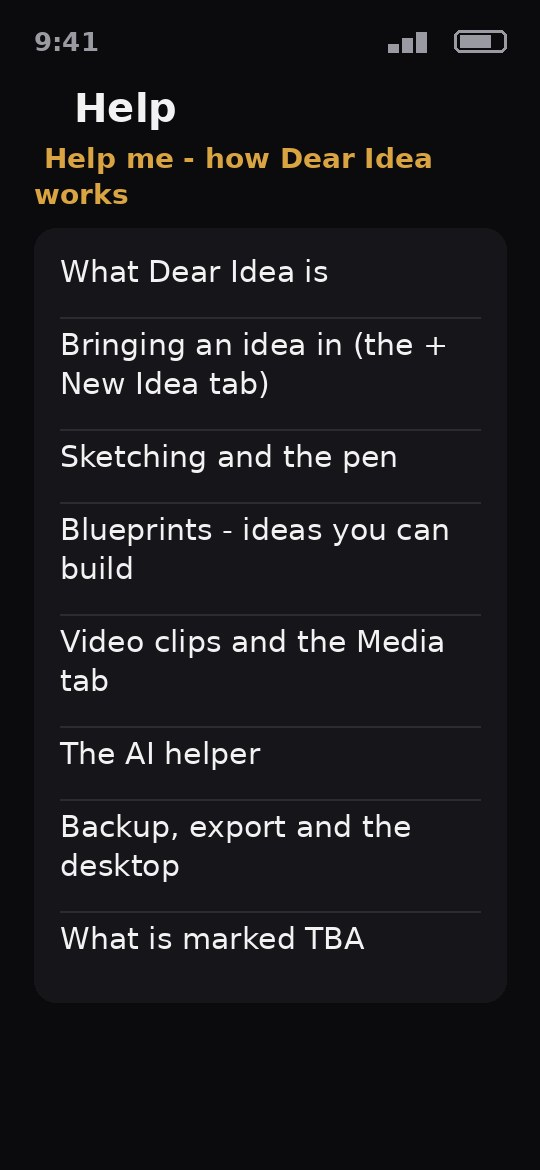
Save every idea - notes, sketches, photos, voice memos and blueprints - in one place.
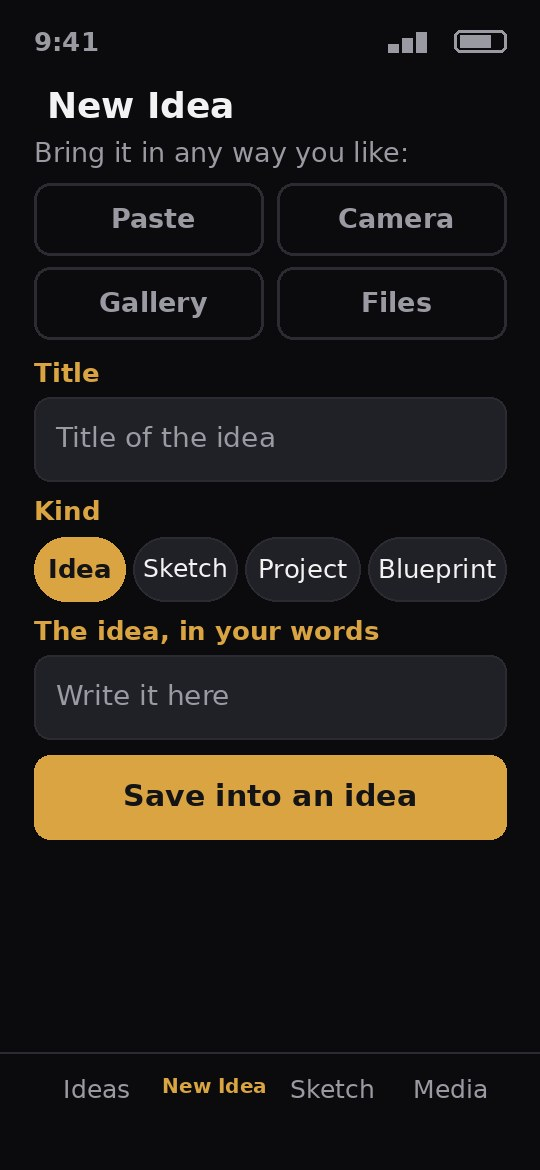
- Bring an idea in by pasting, camera, gallery or files - 3D prints, notes, voice memos, music and video
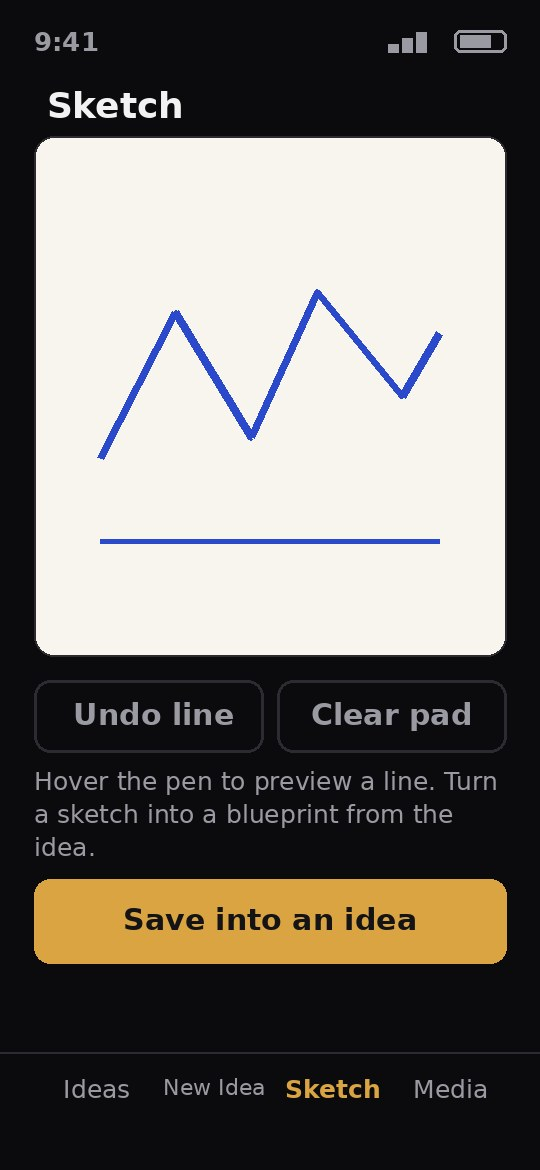
- Sketch it, with your pen - hover to preview a line, the pen button opens a quick new idea
- Turn a sketch into a blueprint
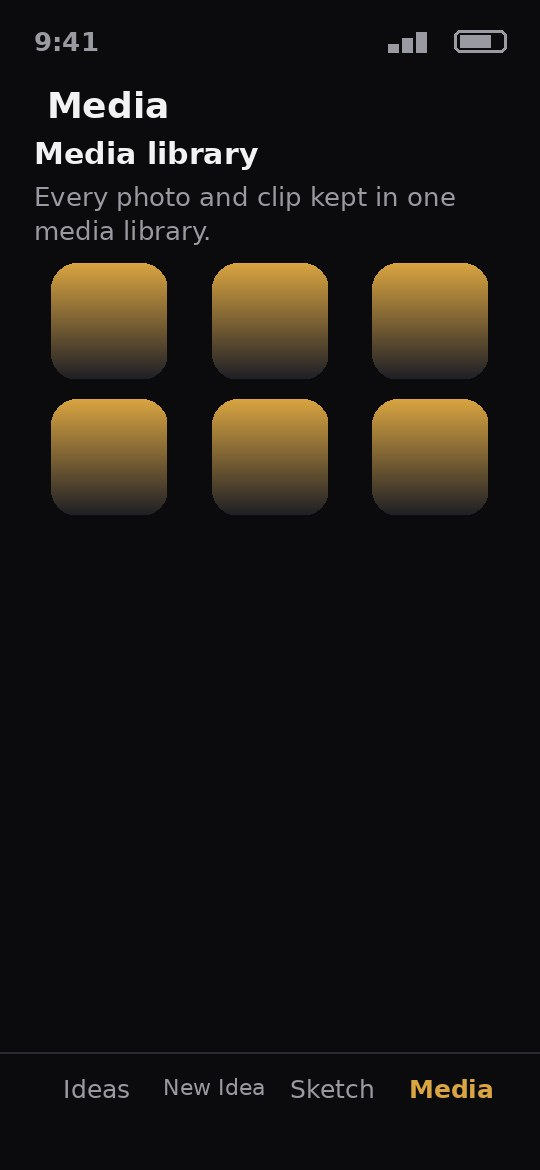
- Every photo and clip kept in one media library
- Open any idea and see everything it holds: words, photos, sketch, blueprint and tags
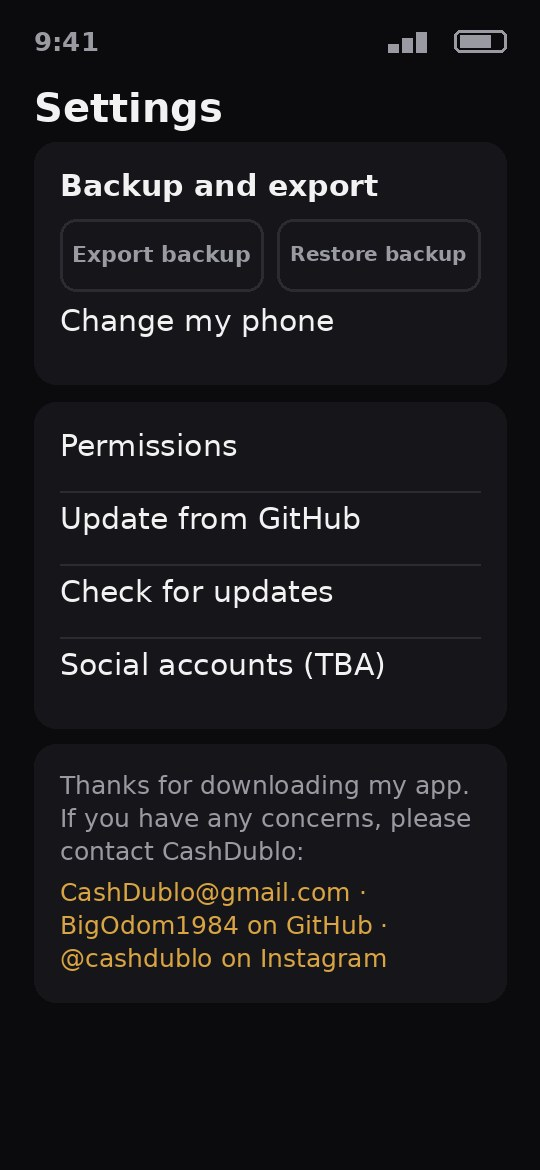
- Share an idea, and back everything up
- The AI helper shapes rough words into a title, a plan and steps (bring your own AI key)
- Six themes to pick from, including Bright Idea - Dear Idea's own
- Fourteen languages, chosen on the first run and changeable in Settings
- Works offline: changes save on this phone and sync when the internet comes back
- Lock it your way: fingerprint, a two-factor code, or an app password
Why have it: an idea lands once and stays whole - words, pictures, sketch and sound together, not scattered across five apps.
Version 0.2.0 · Android
Free demo - try it now. The full app arrives at release.
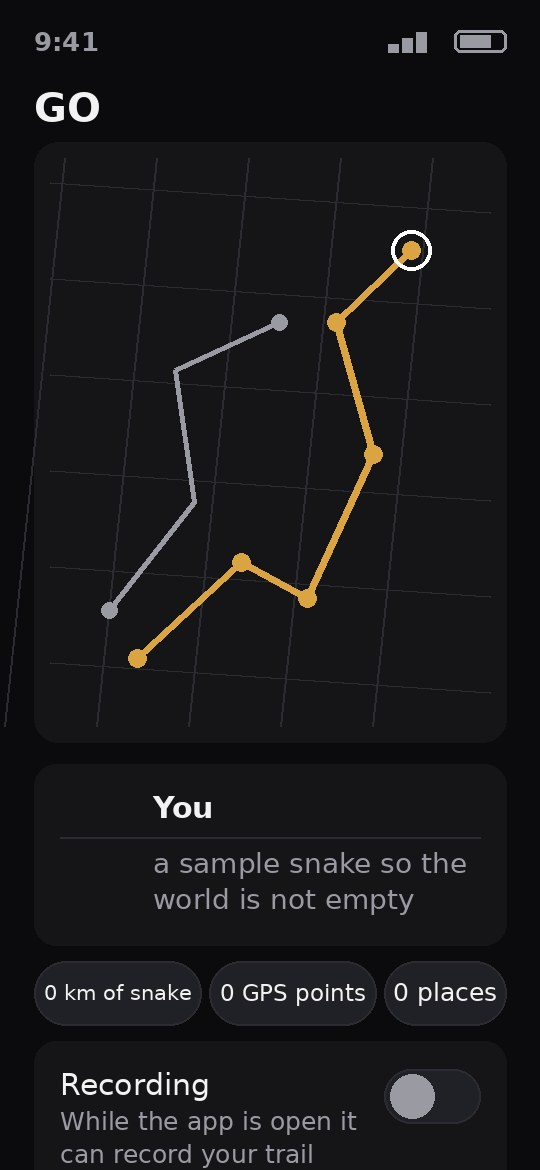
Your travels drawn as a gold trail on a world map.
- Builds a trail (a snake) of where you have been, from your own real GPS points - never faked, never made up
- While the app is open it can record your trail and draw it on a world map
- Other trails draw beside yours (samples today; real friends when accounts open)
- Shows where trails cross, and where they almost crossed
- Asks only for your location while the app is in use, and says exactly that on its permissions screen
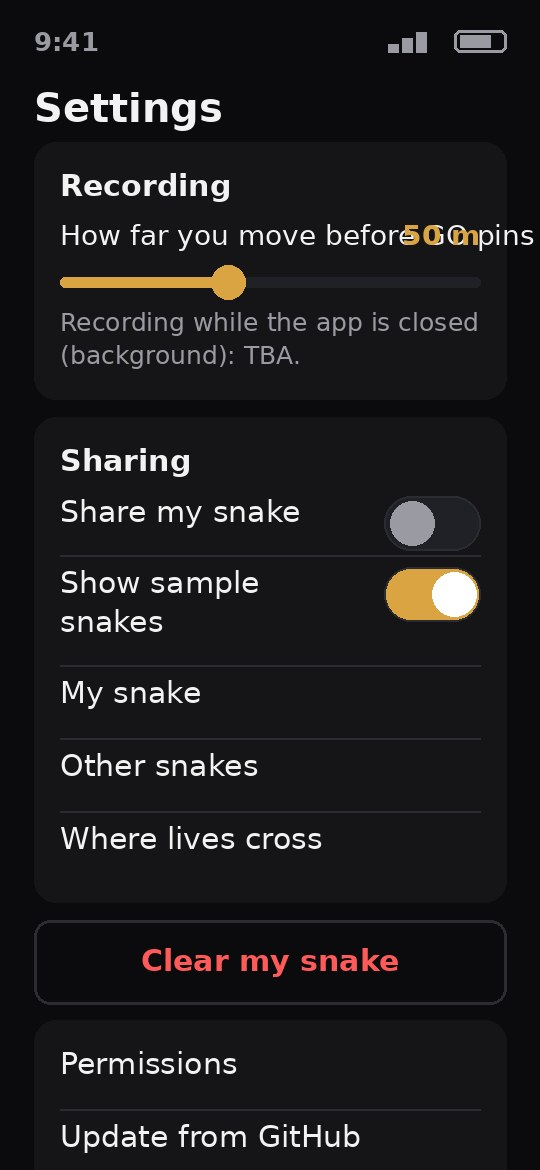
- Six color themes to pick in Settings, including Gold Trail - a near-black ground with bright trail gold
- The app's words come in 14 languages, chosen on the first run and changeable in Settings
- Offline mode is announced on screen: recording, the map and your crossings keep working, and anything that needs the internet waits honestly
- App lock in Settings: fingerprint, two-factor code, or an app password - your choice, any mix
- Bring in your saved places from Google Maps files: they draw as markers on the map, and they never count as places you have been
Why have it: see everywhere you have been as one growing trail across the world.
Version 0.2.0 · Android
Free demo - try it now. The full app arrives at release.
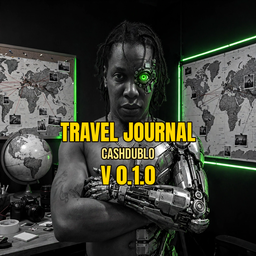
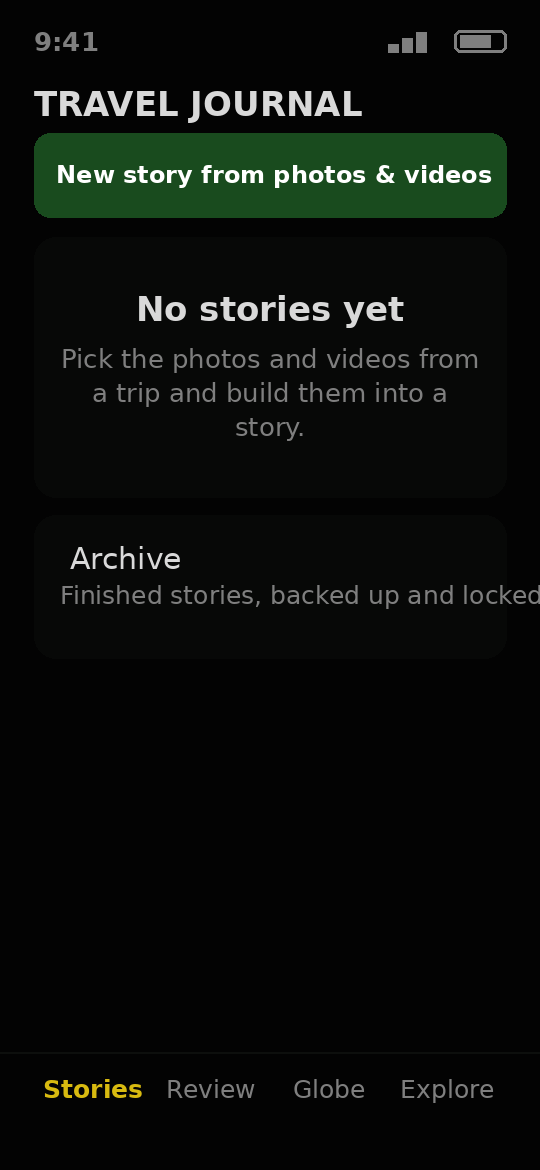
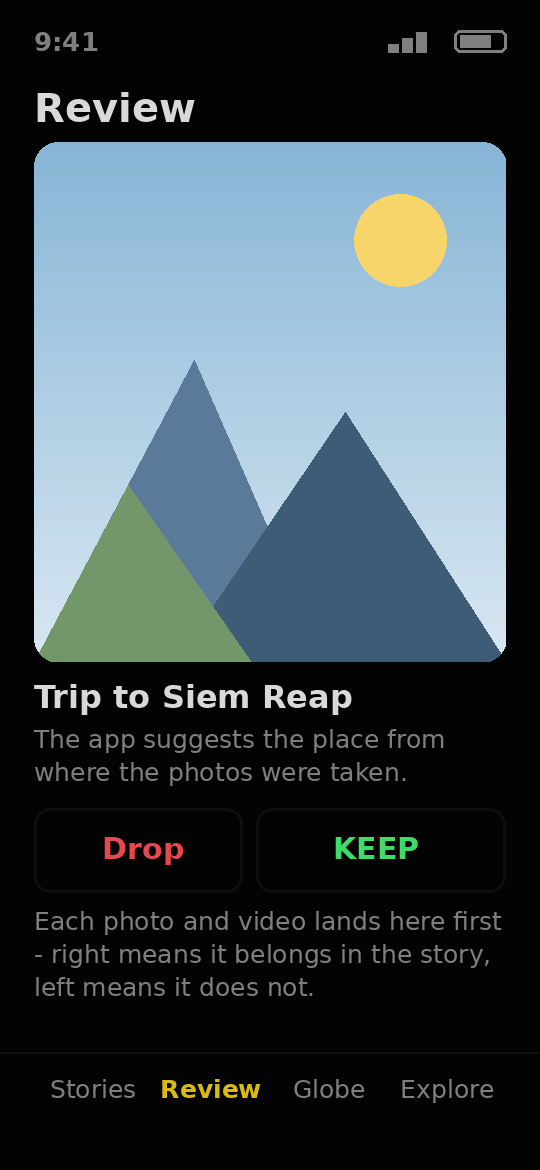
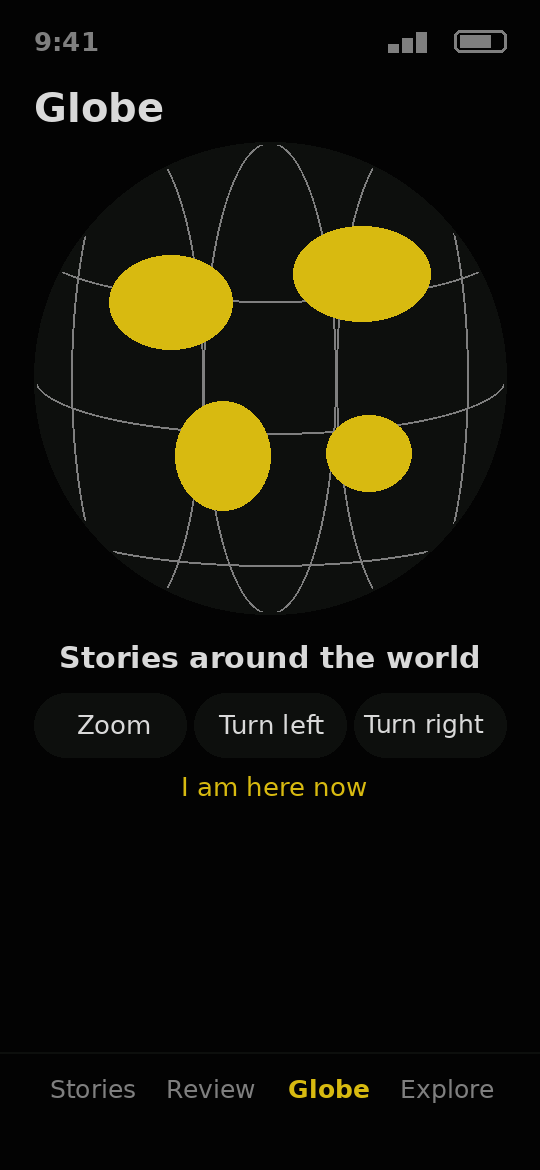
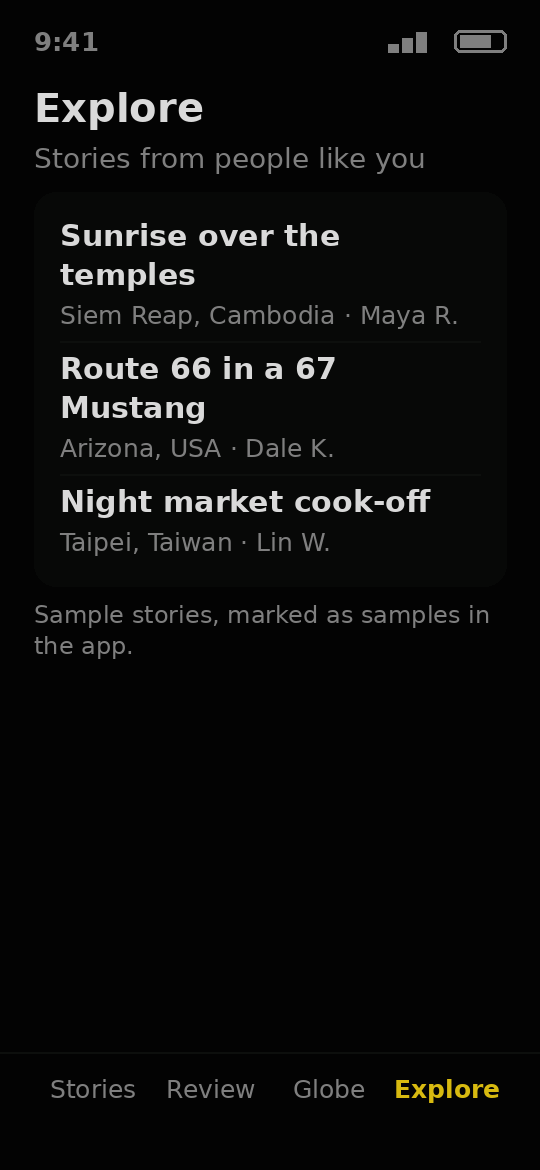
Turn your trip photos into a travel story, with voice notes and a globe.
- Pick the photos and videos from a trip and build them into a story
- The app suggests the place from where the photos were taken
- Check each piece with a swipe before it joins the story
- Tell the story in your own voice with a long press
- A globe shows your stories around the world
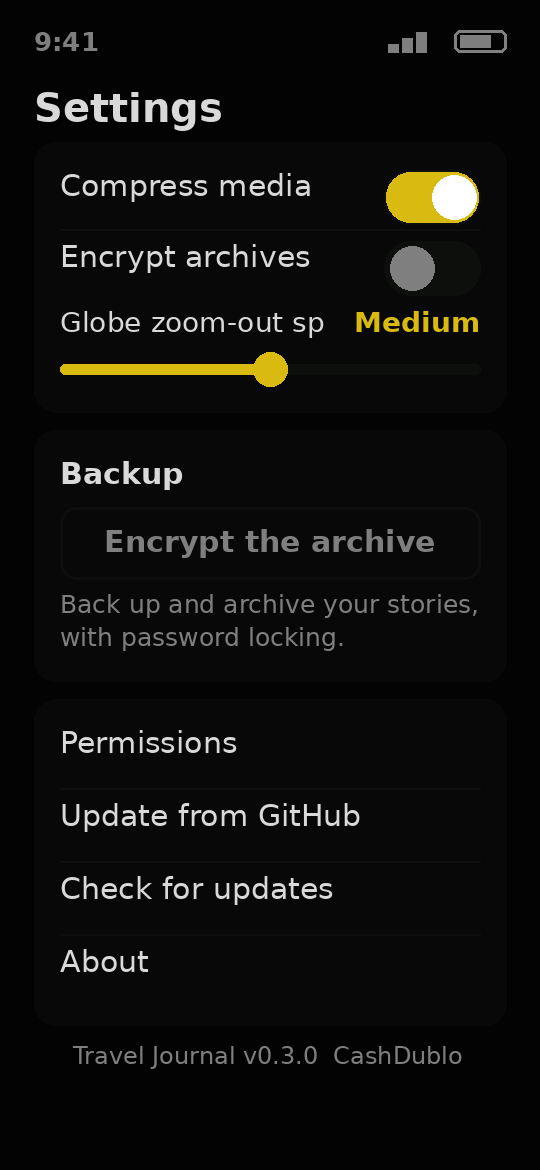
- Compress photos smaller and lock an archive with a password, if you turn those switches on
- Six themes in the Theme Manager, including its own Atlas Green
- Speaks 14 languages, picked in Settings
- Works offline — a place name that still needs the internet waits, and the story keeps its spot on the map
- A developer panel in Settings, opened by tapping the install code
- Bring in your saved places from Google Maps, only if you agree and turn the switch on — the places stay on this phone
Why have it: a trip becomes a story you can keep and share, not a camera roll you never open again.
Version 0.3.0 · Android
Free demo - try it now. The full app arrives at release.
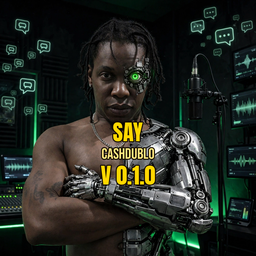
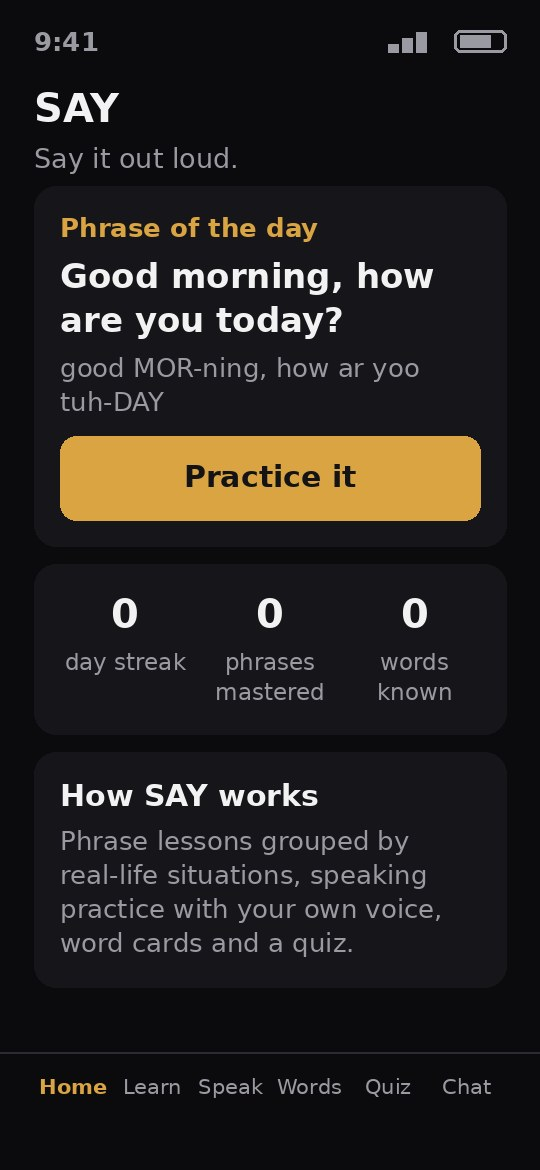
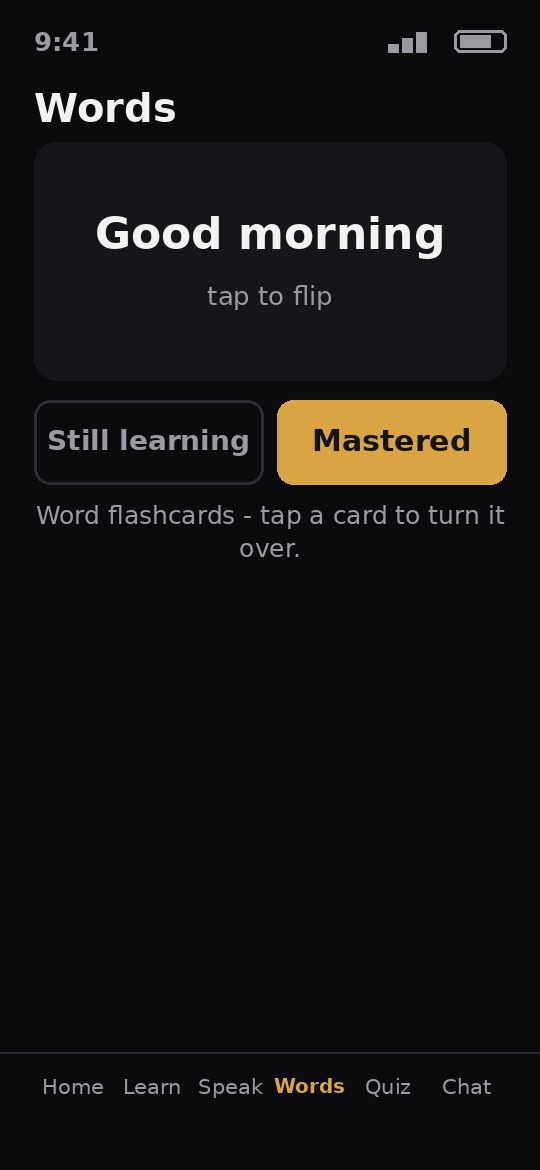
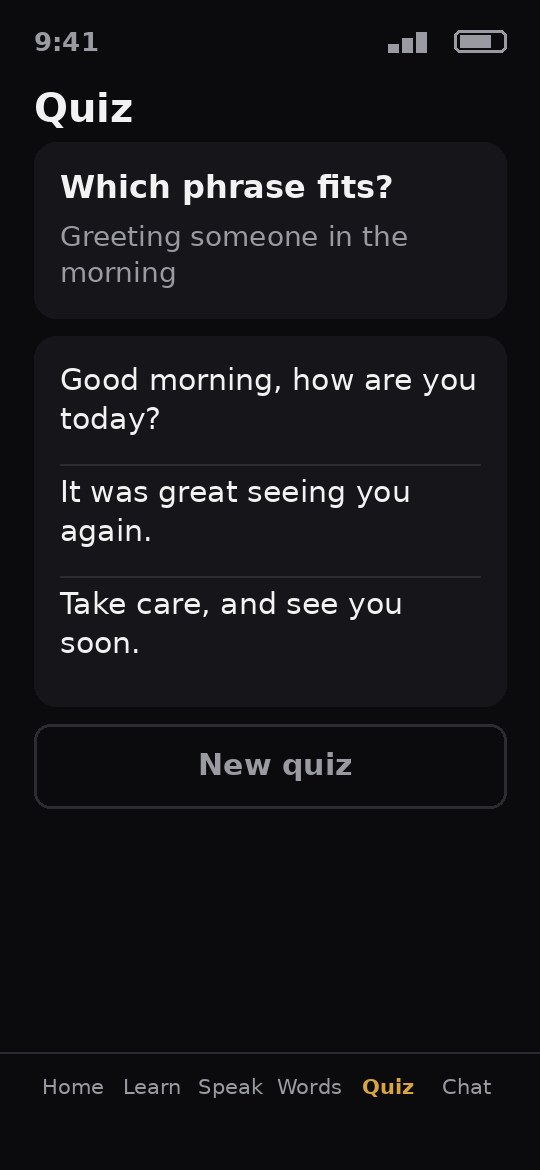
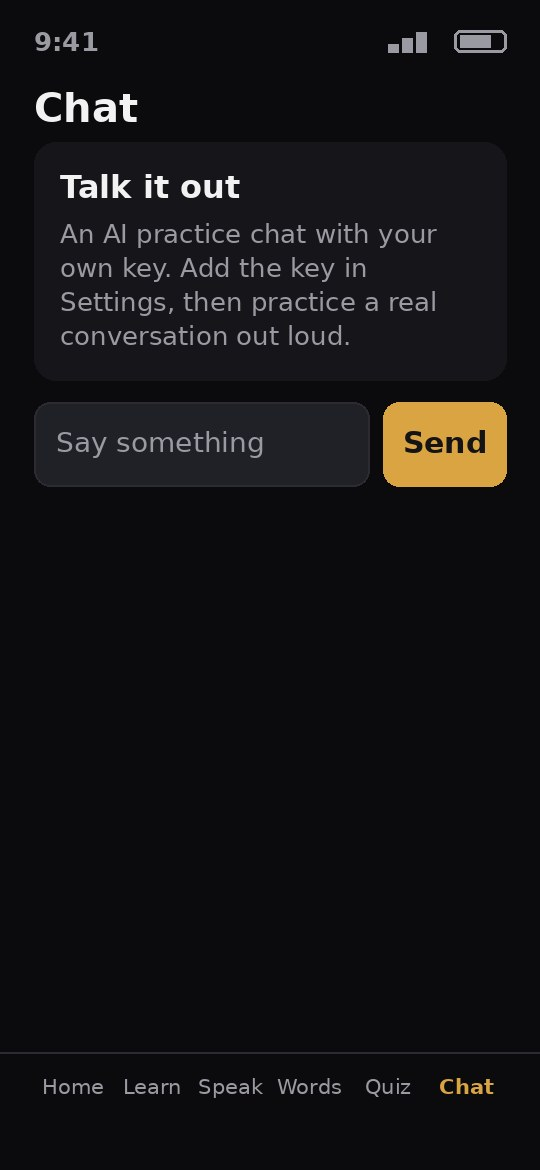
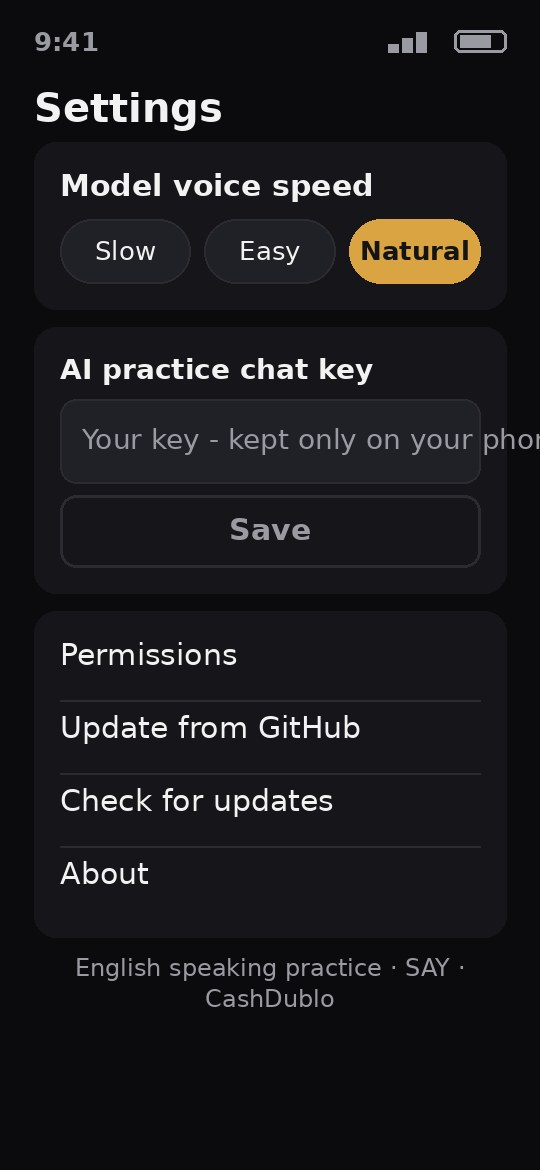
Learn English with phrase lessons, speaking practice and word cards.
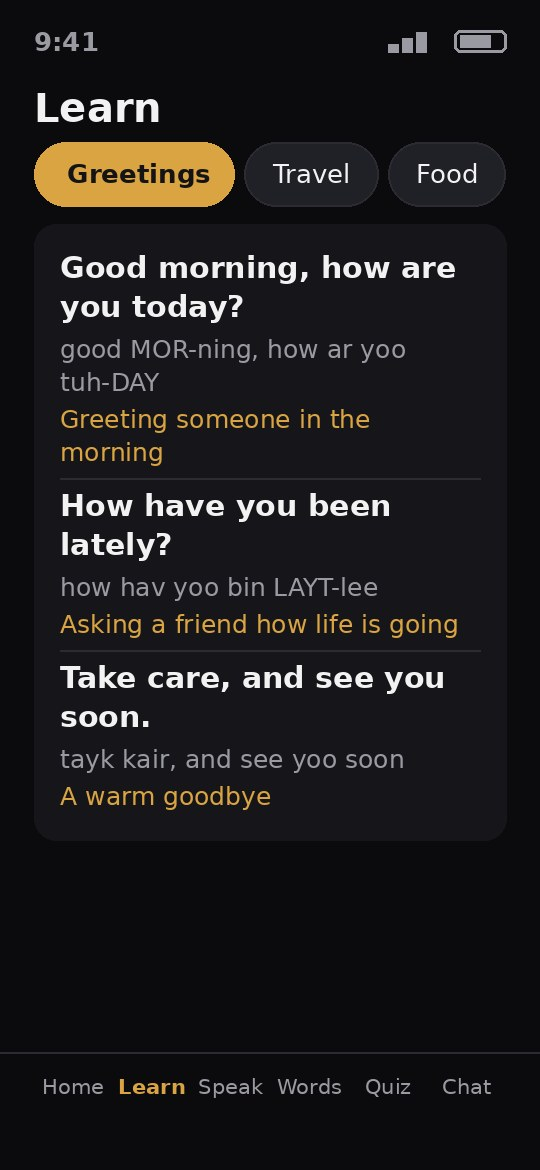
- Phrase lessons grouped by real-life situations
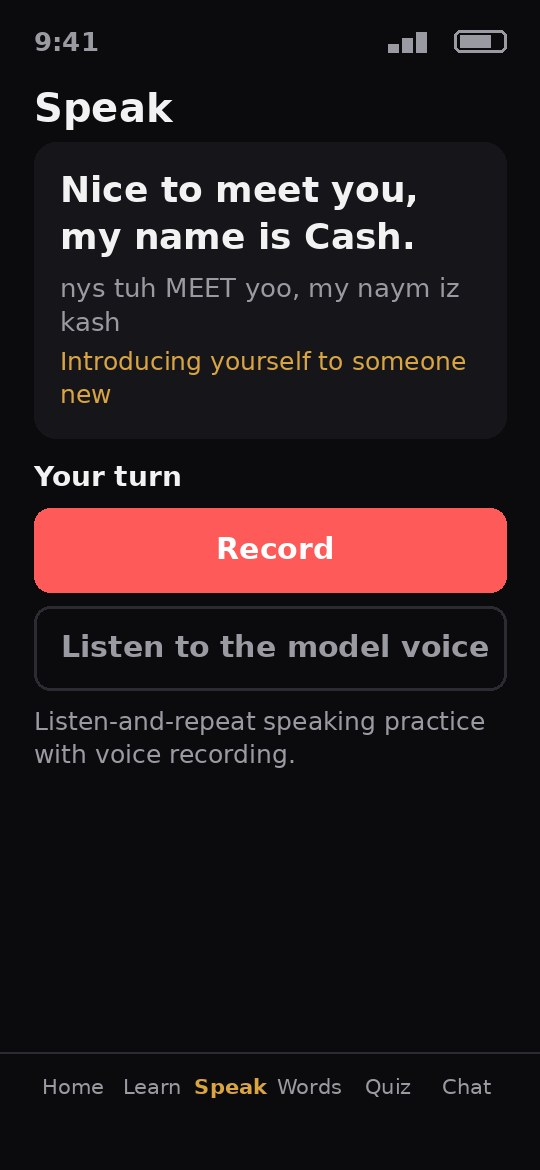
- Listen-and-repeat speaking practice with voice recording
- Word flashcards and a quiz
- An AI practice chat with your own key
- Your progress, streaks and settings are saved on your phone
- Asks only for the microphone, and only for the speaking practice
- Six color themes to pick in Settings, including Speech Green - a deep green-black ground
- The app's words come in 14 languages, chosen on the first run and changeable in Settings
- Offline mode is announced on screen: lessons, word cards and your saved progress keep working, and the AI practice chat waits honestly until the internet is back
- App lock in Settings: fingerprint, two-factor code, or an app password - your choice, any mix
Why have it: practice real English out loud, a little every day, and watch your streak grow.
Version 0.2.0 · Android
Free demo - try it now. The full app arrives at release.
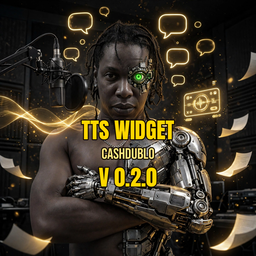
Type or paste text and your phone reads it out loud.
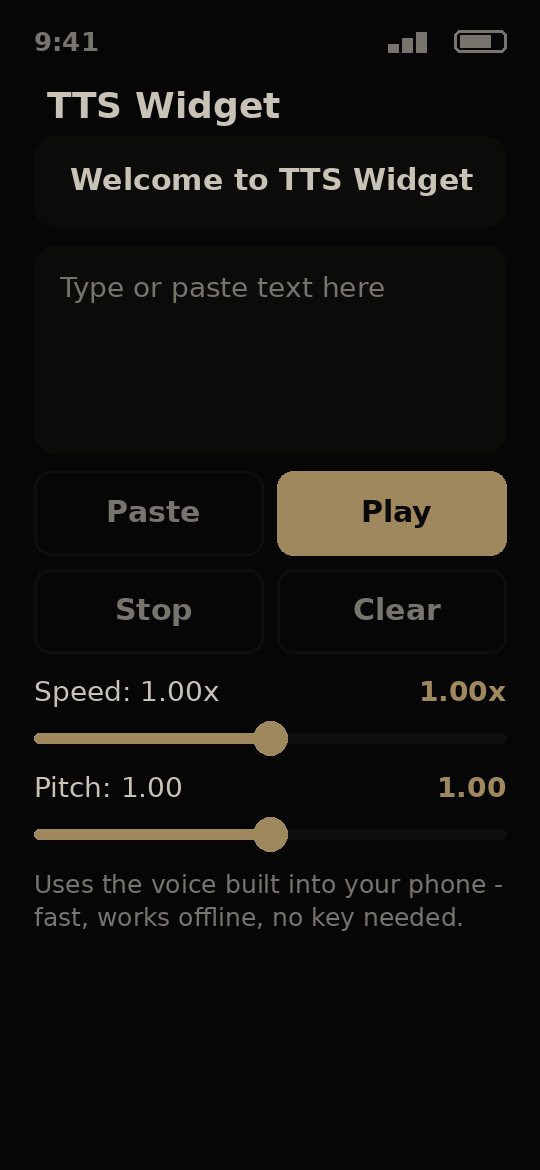
- A 1x1 widget for your home screen - one tap and the app opens
- Paste from the clipboard or type your own text
- Speak, stop and clear buttons
- Speed slider (half speed to double speed) and a pitch slider
- Save texts you use again and again - play them back or load them with a tap
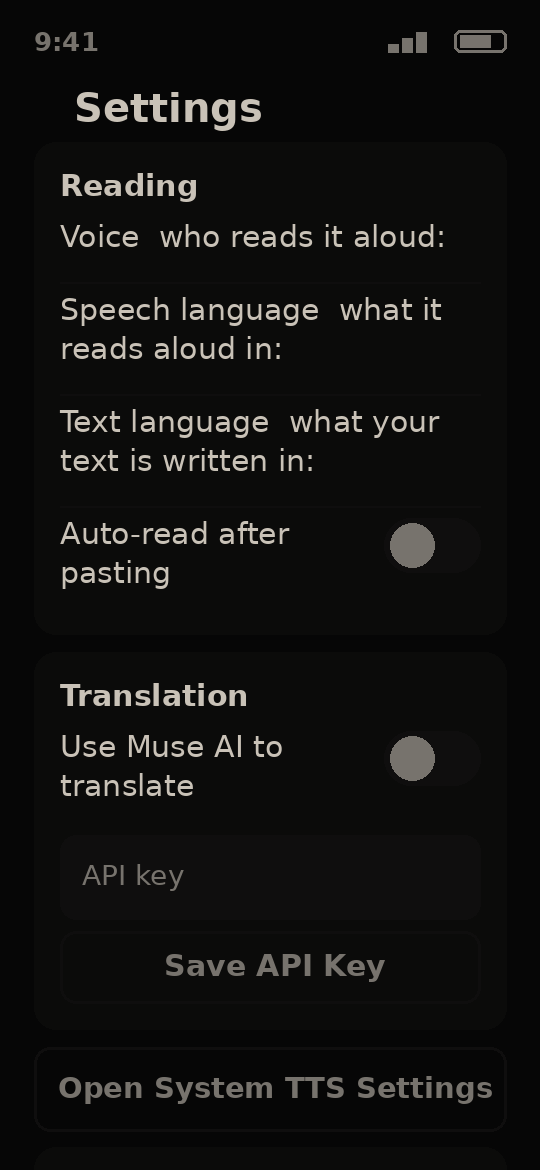
- If the text language and the speech language differ, the text is translated first, shown to you, then read aloud
- Uses the voice built into your phone - fast, works offline, no key needed
- Six themes in the Theme Manager, including its own Broadcast Gold
- Speaks 14 languages, picked in Settings
- Works offline — speech and your saved texts keep working; translation waits for the internet and your saved work is not lost
- A developer panel in Settings, opened by tapping the install code
Why have it: hear any text read out loud in two taps, with no account and no internet.
Version 0.3.0 · Android
Free demo - try it now. The full app arrives at release.
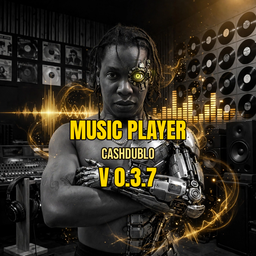
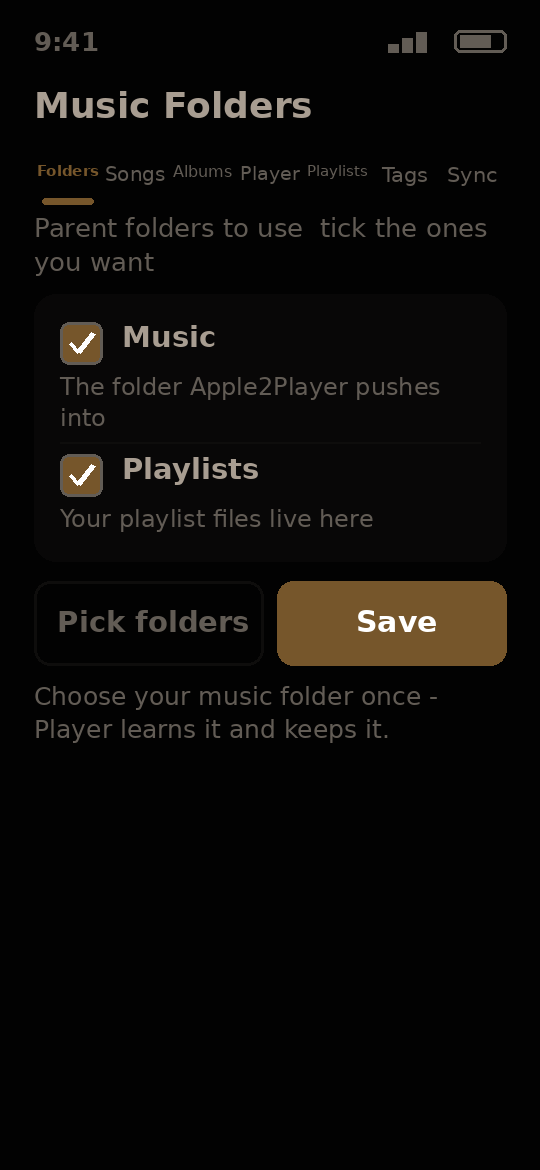
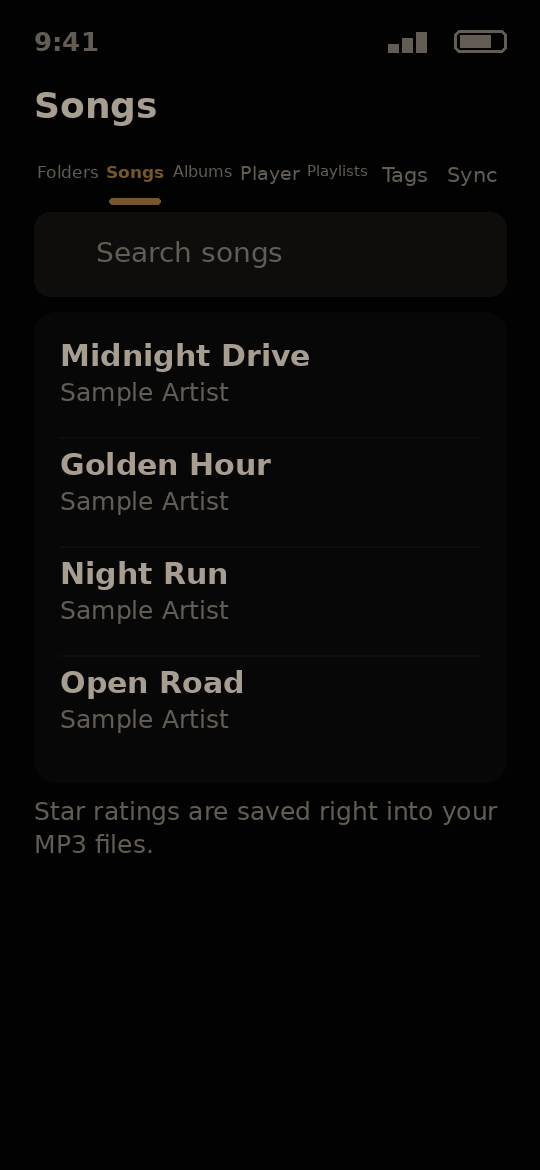
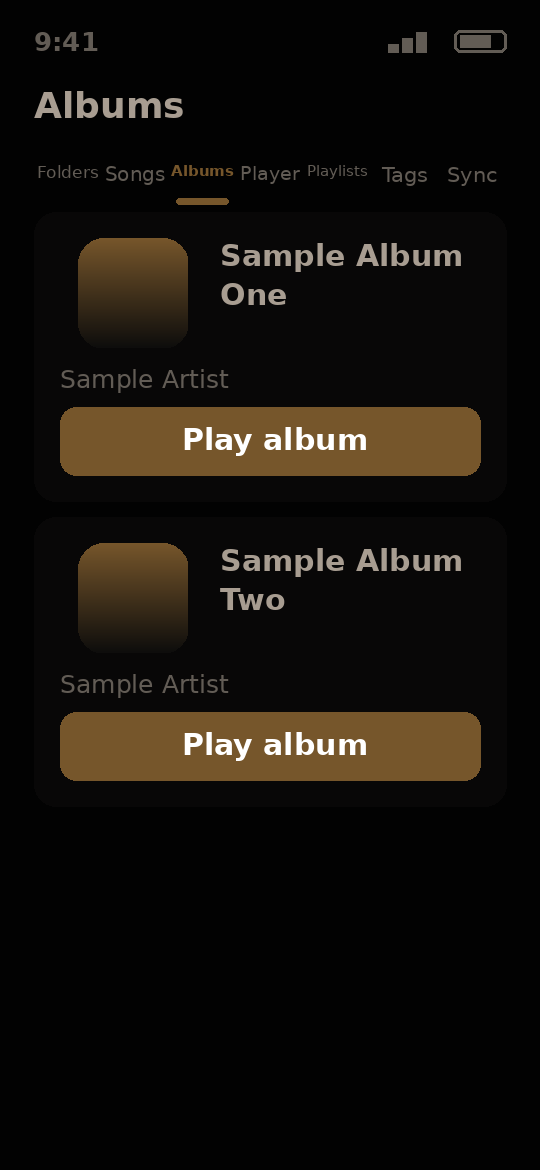
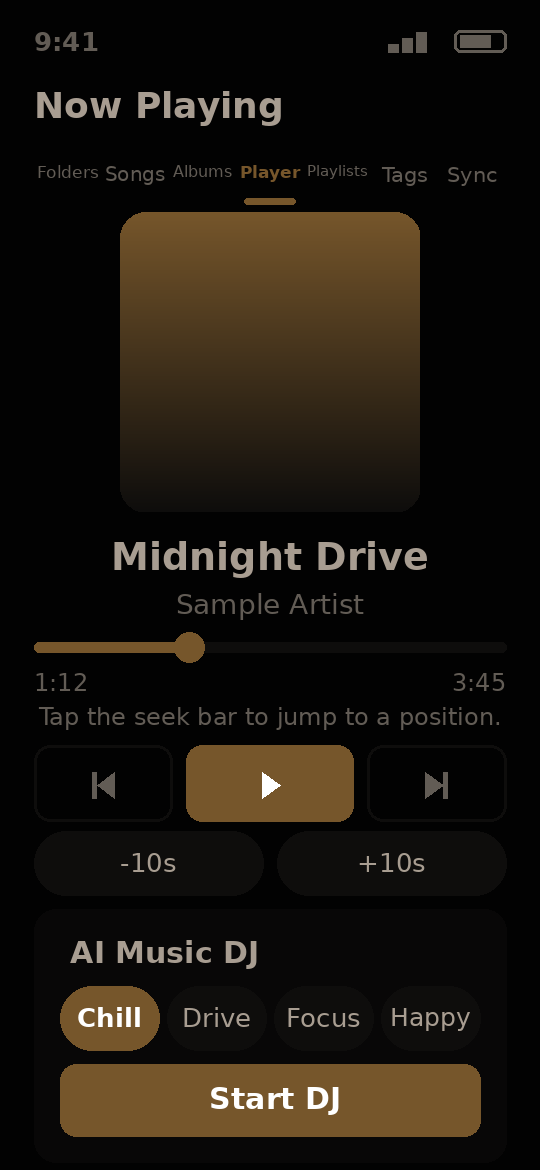
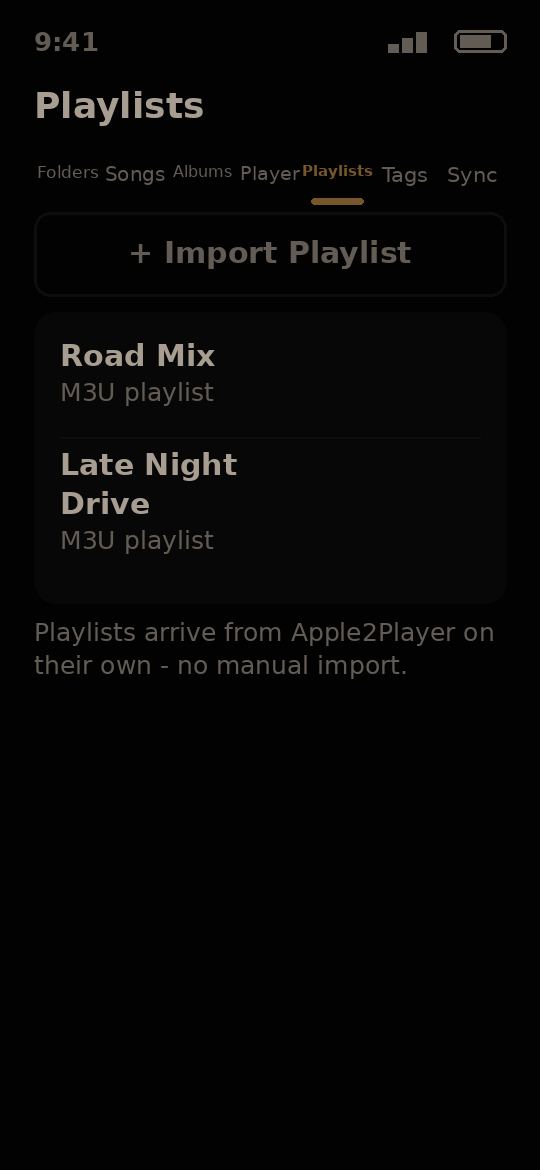
A music player for your own songs, with star ratings, moods, smart playlists and an AI Music DJ.
- Plays your own music files, and keeps playing in the background
- Browse by folders, songs, albums and playlists
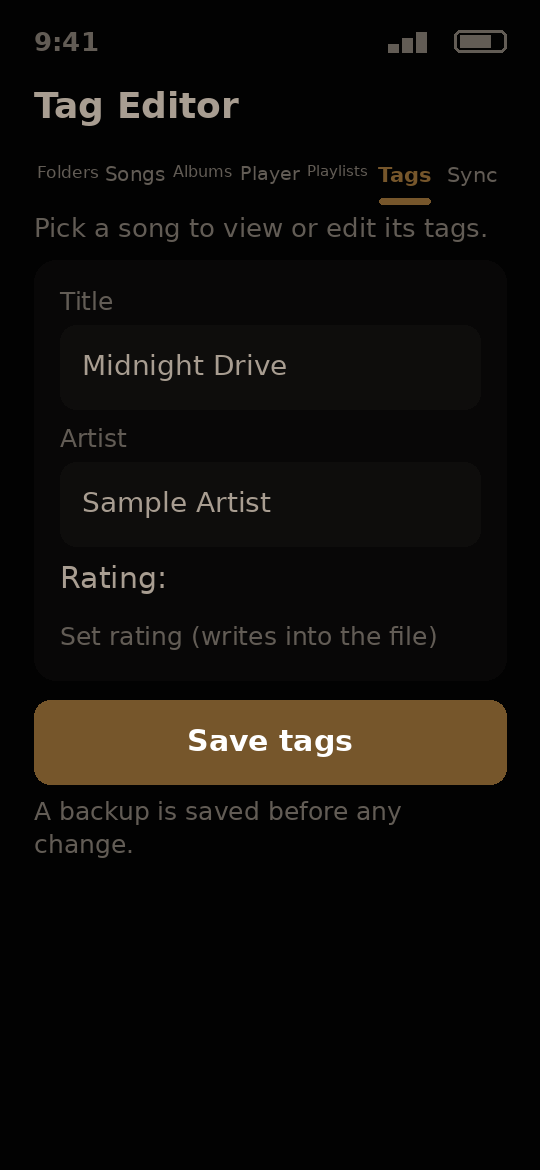
- Star ratings saved right into your MP3 files, so they travel with the song
- Moods for your songs, and an AI Music DJ that builds a mix from them
- Fix song tags on the phone, with a backup saved before any change
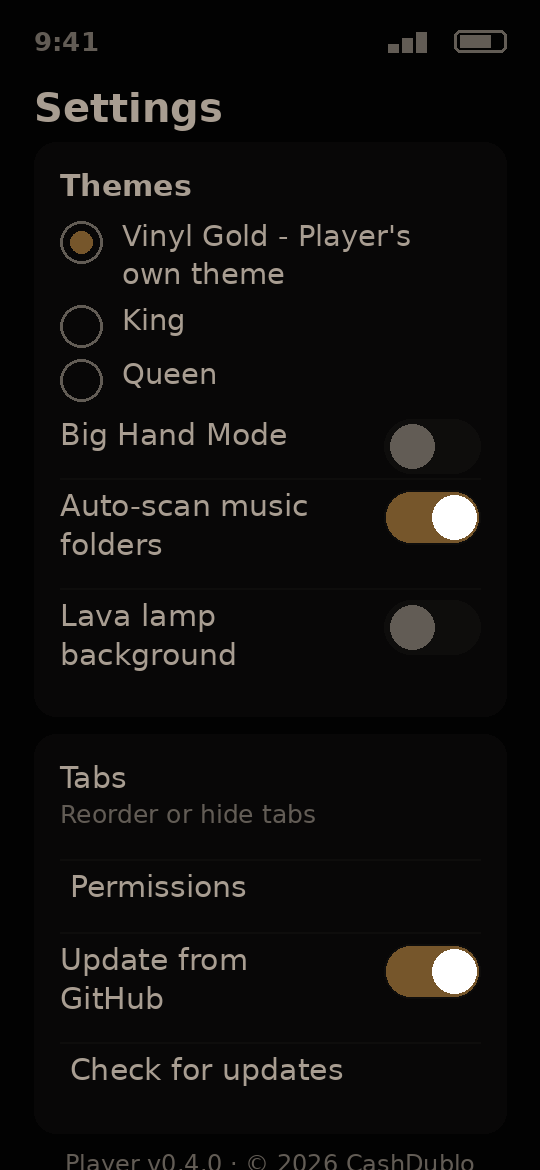
- Six themes in the Theme Manager, including its own Vinyl Gold, plus King and Queen
- Speaks 14 languages, picked in Settings
- Song Theme: the screen dresses itself in the playing song's own colors once the song has played for a moment
- Smart playlists that build themselves: Most Played, Recently Played and Recently Added, from your own play record
- Party Mode: pick a mood for the room and it builds the queue - with a Children's mode that holds back marked songs
- Top 100: your own library ranked by your plays and star ratings, with a boost for songs on the current Apple Music Top 100
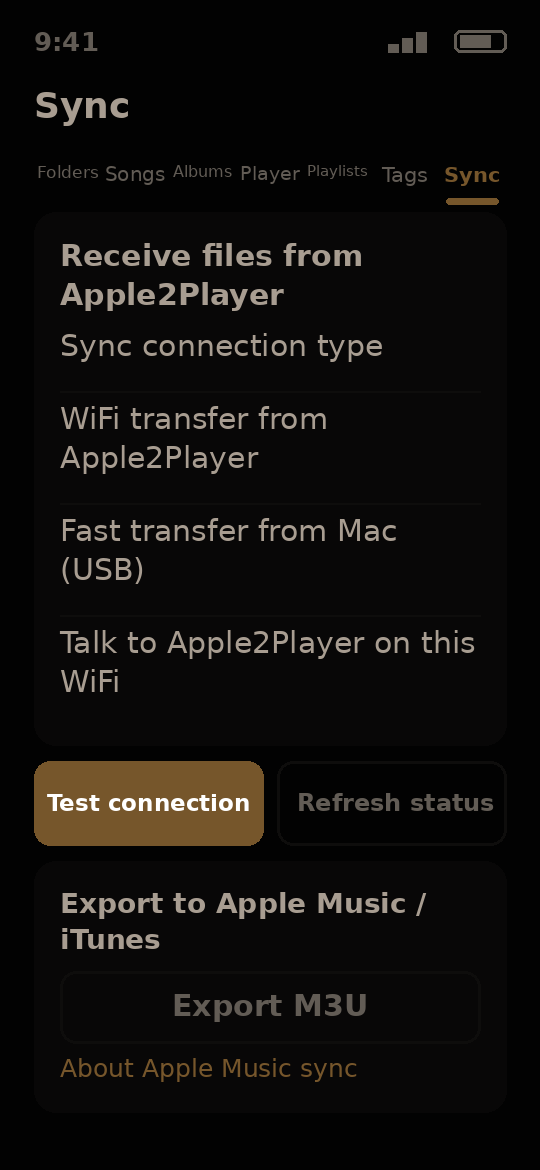
- Works hand in hand with Apple2Player to receive your music - and you dial how long the sharing window stays open, from 1 minute to 12 hours
- Offline, your library and playback keep working and Apple2Player sync on your own Wi-Fi is never blocked; the chart uses its last saved copy with its date, and tag lookups wait for the internet
Why have it: your music, your ratings, your moods - a player built for a big home library, not for selling you a subscription.
Version 0.4.0 · Android
Free demo - try it now. The full app arrives at release.

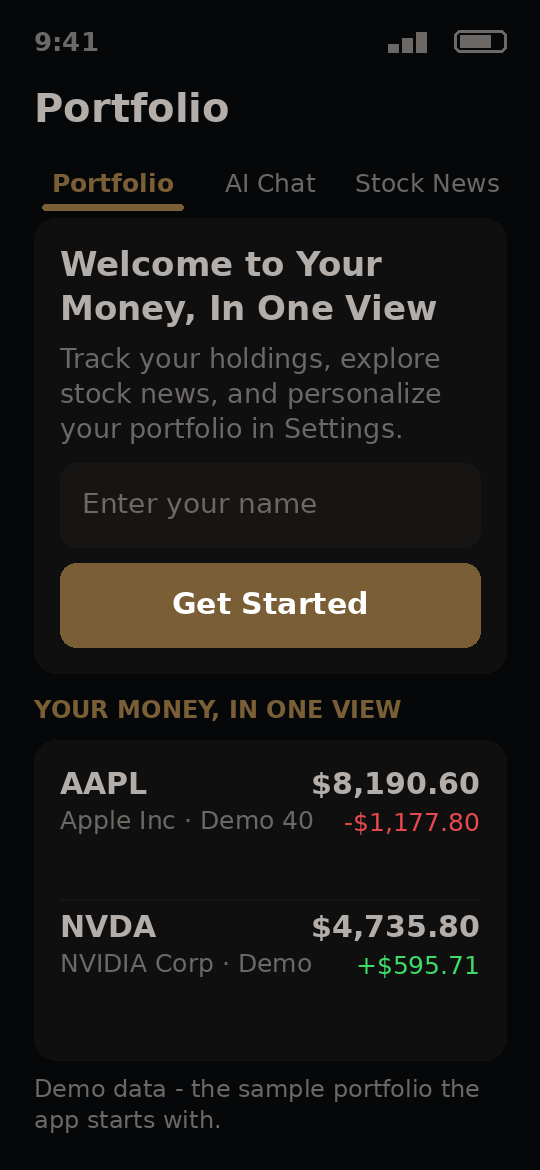
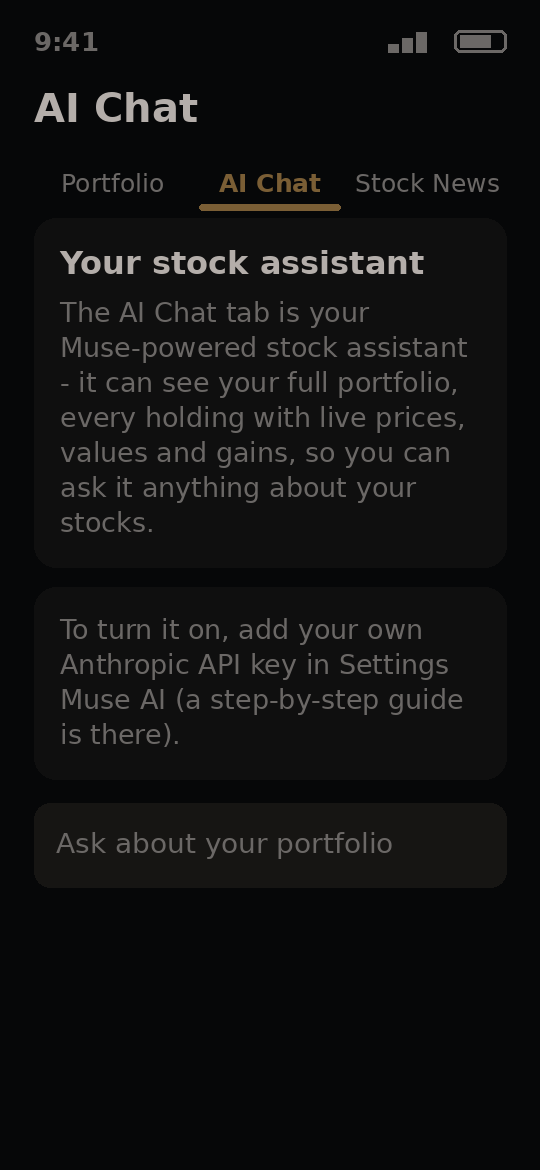
Your portfolio with an AI helper that explains your stocks in plain words.
- Five tabs: Portfolio, News, Premium News, Store and AI Chat
- Ask the AI chat about your own stocks, in plain words
- Six themes in the Theme Manager, including its own Golden Network
- Speaks 14 languages, picked in Settings
Why have it: everything Cash Portfolio does, plus a helper that explains what is going on with your stocks when you ask.
Version 0.4.1 · Android
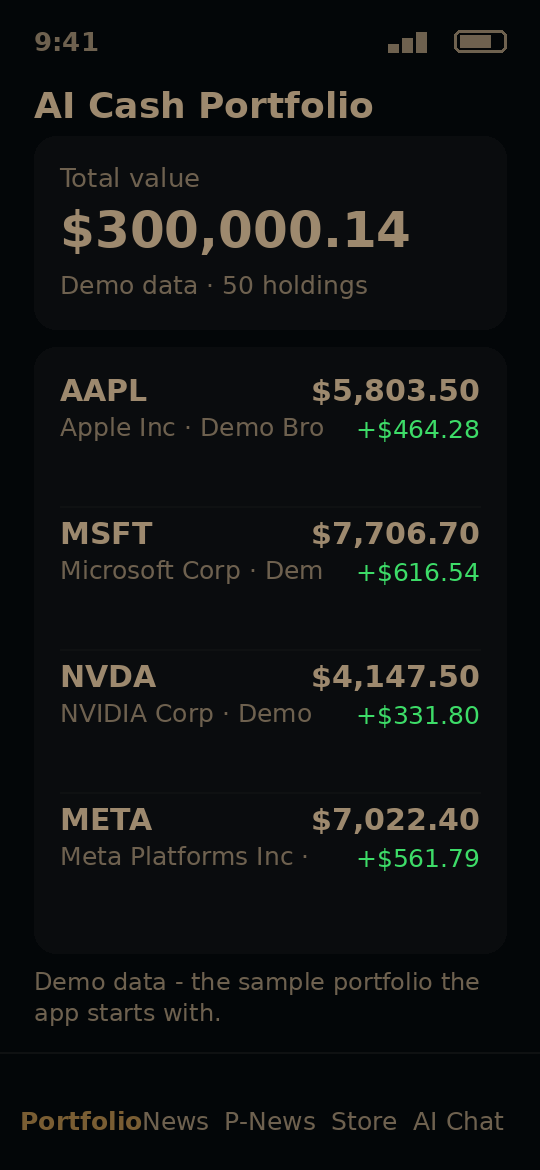


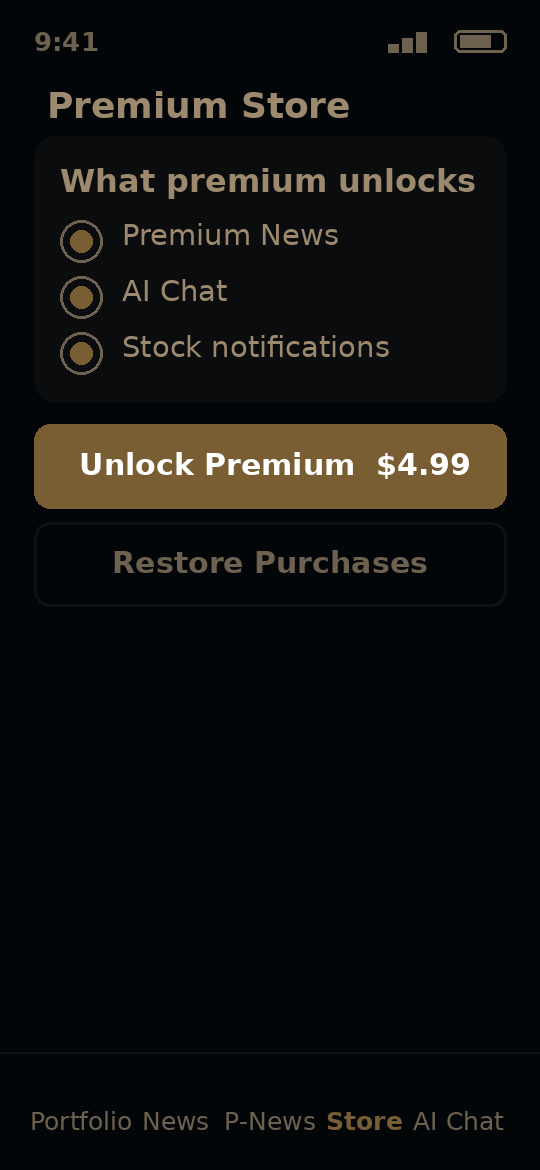
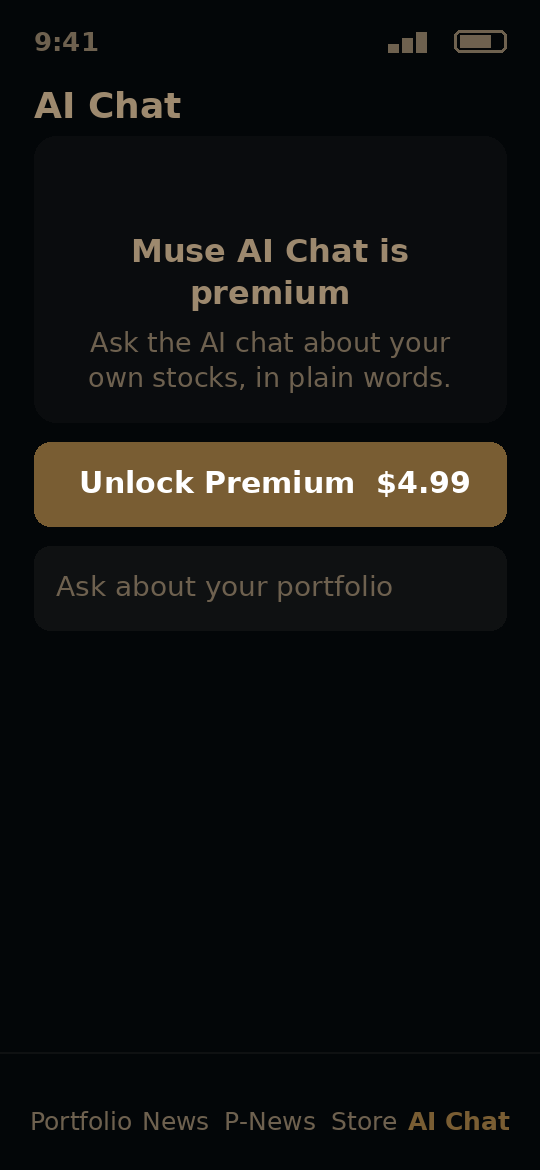
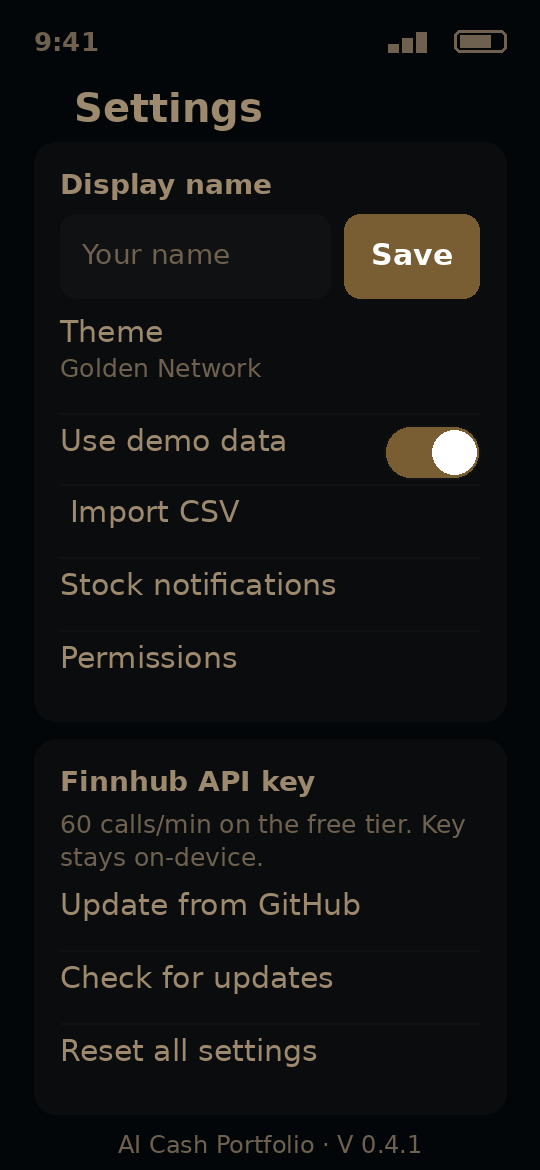
Free demo - try it now. The full app arrives at release.
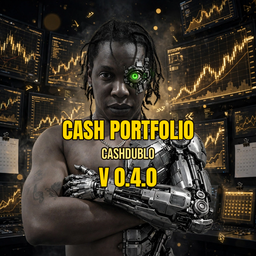
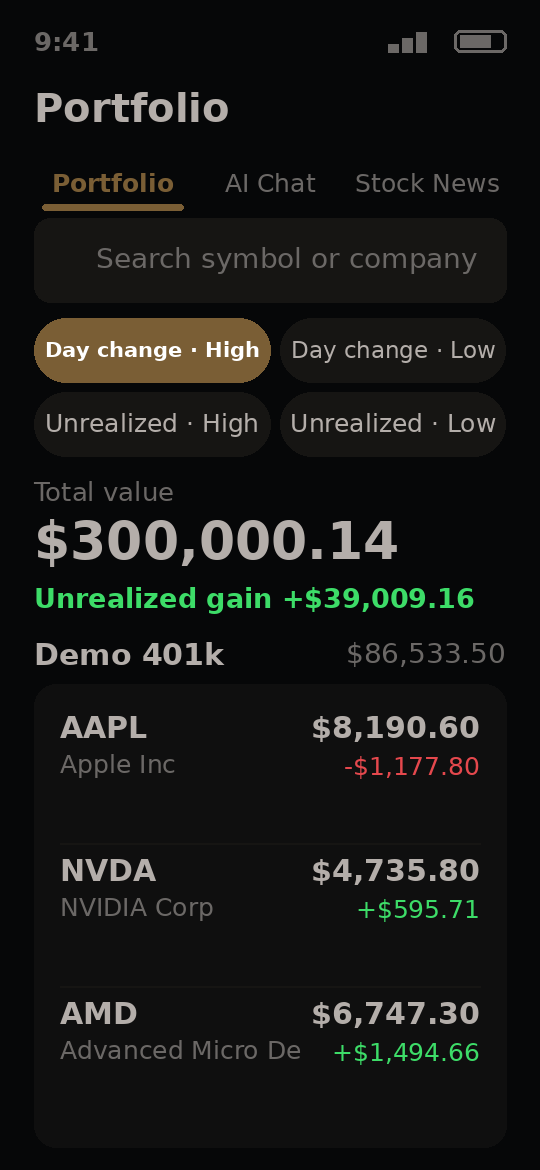
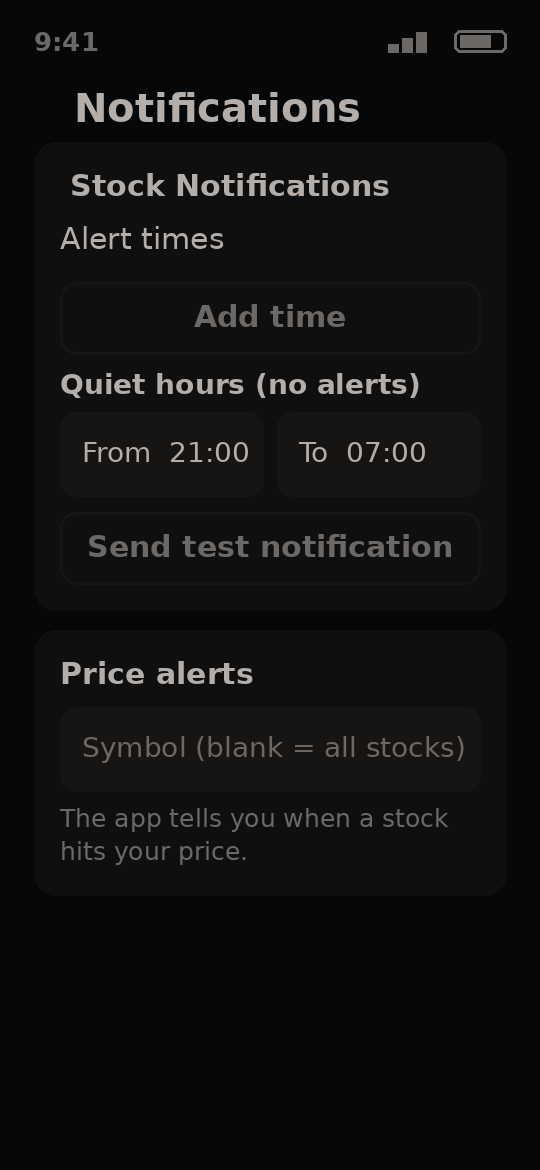
Watch your stock portfolio, live prices and price alerts.
- Live stock prices with your own free Finnhub key, with backup price sources if one is down
- Price alerts you set yourself, so the app tells you when a stock hits your price
- Load your own stock list from a CSV file, and save it back out
- Money Mood: the app colors itself with how your money is doing
- Six themes in the Theme Manager, including its own Trading Gold
- Speaks 14 languages, picked in Settings
- Offline, it shows your last real prices with the time they were fetched - a stale price is never shown as live, and the AI chat waits until you are back online
- A built-in help section with answers to common questions
Why have it: your whole portfolio in one calm place, with live prices and your own alerts - and your list stays on your phone.
Version 0.4.1 · Android

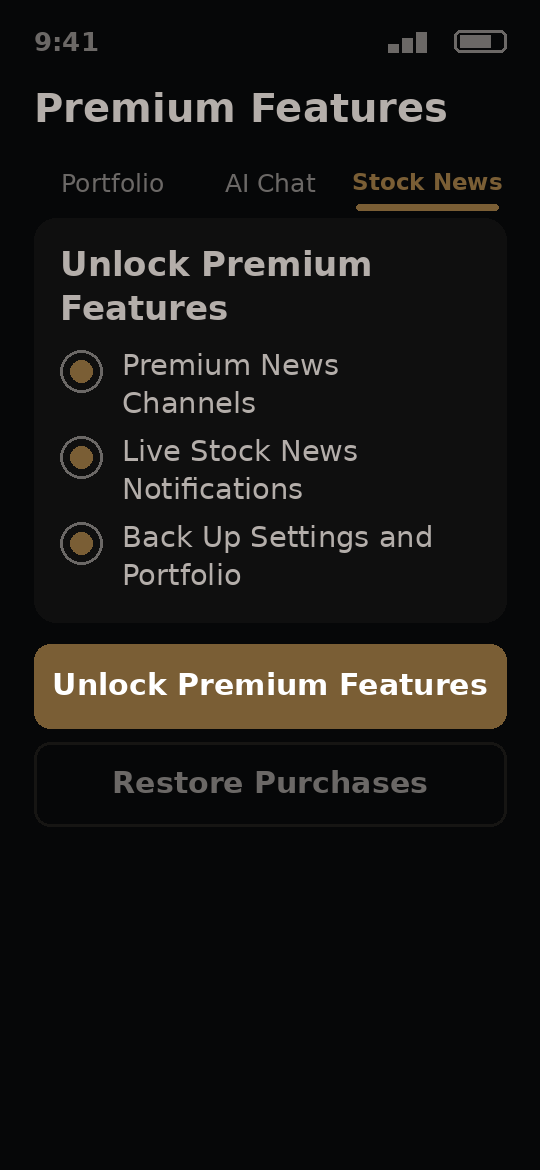
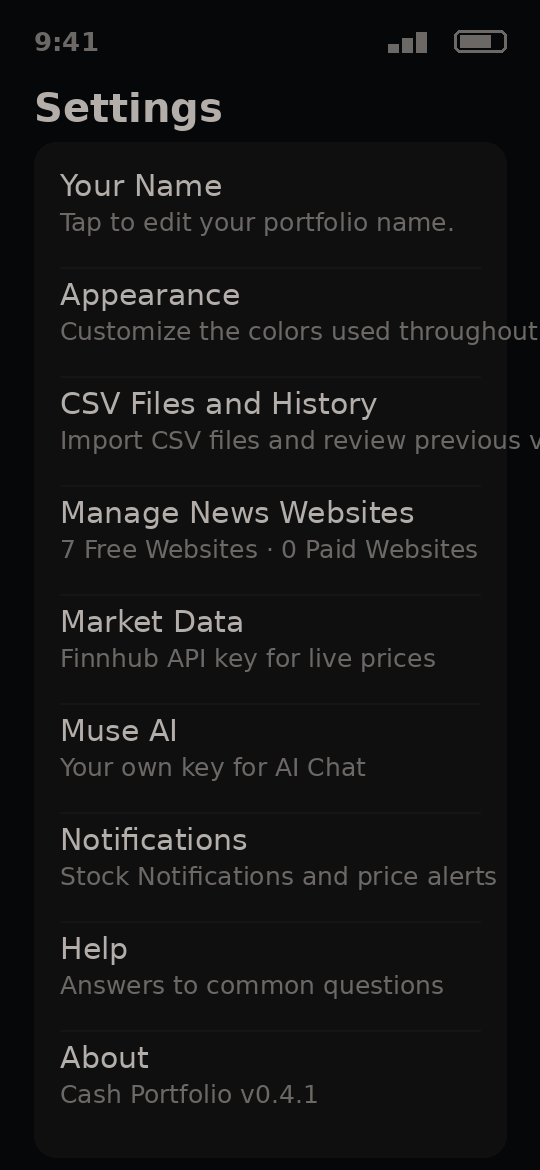
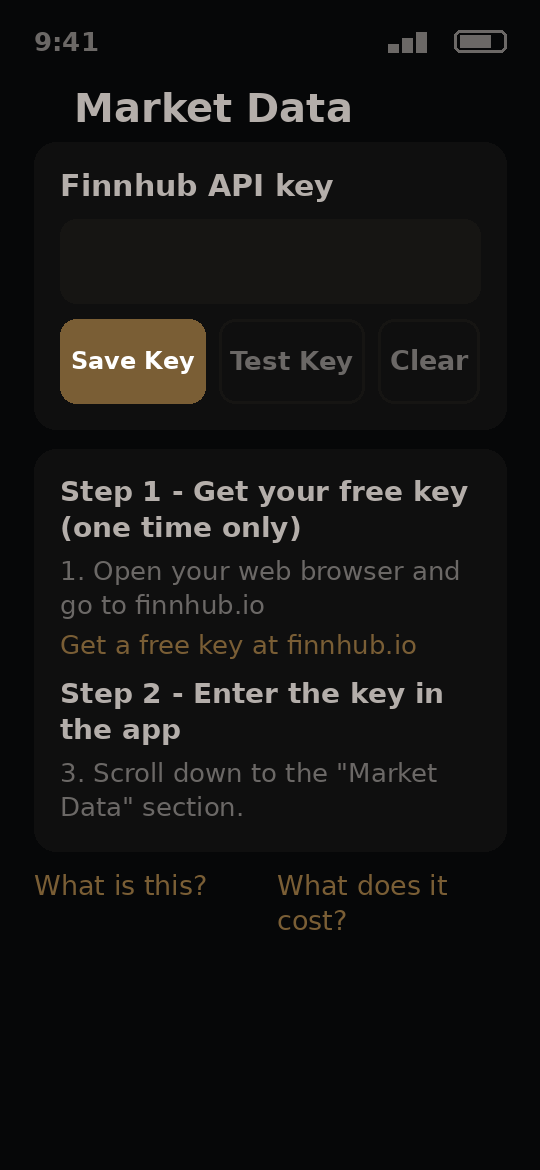
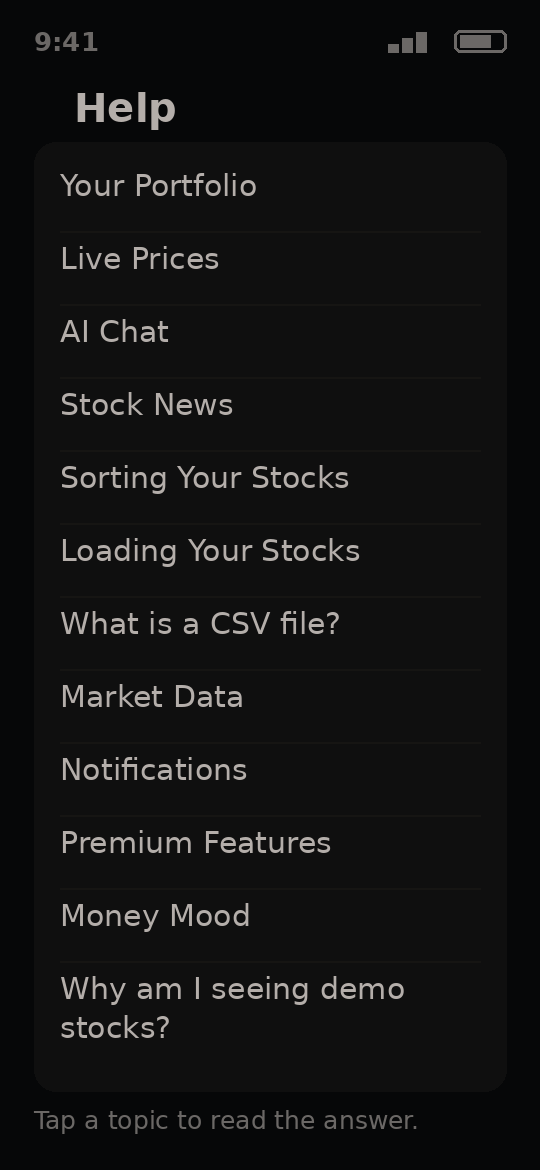
Free demo - try it now. The full app arrives at release.
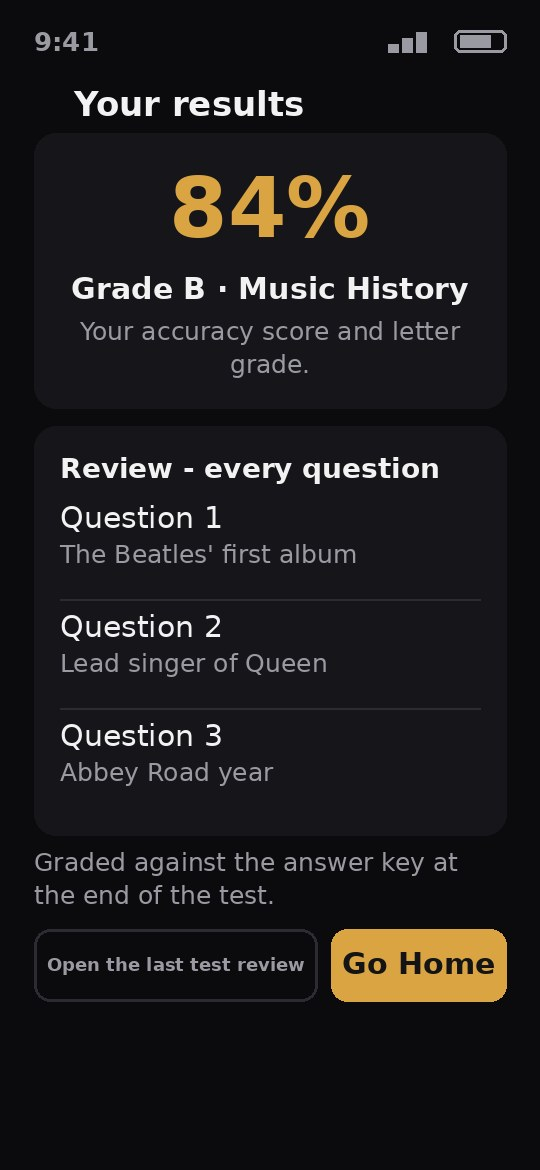
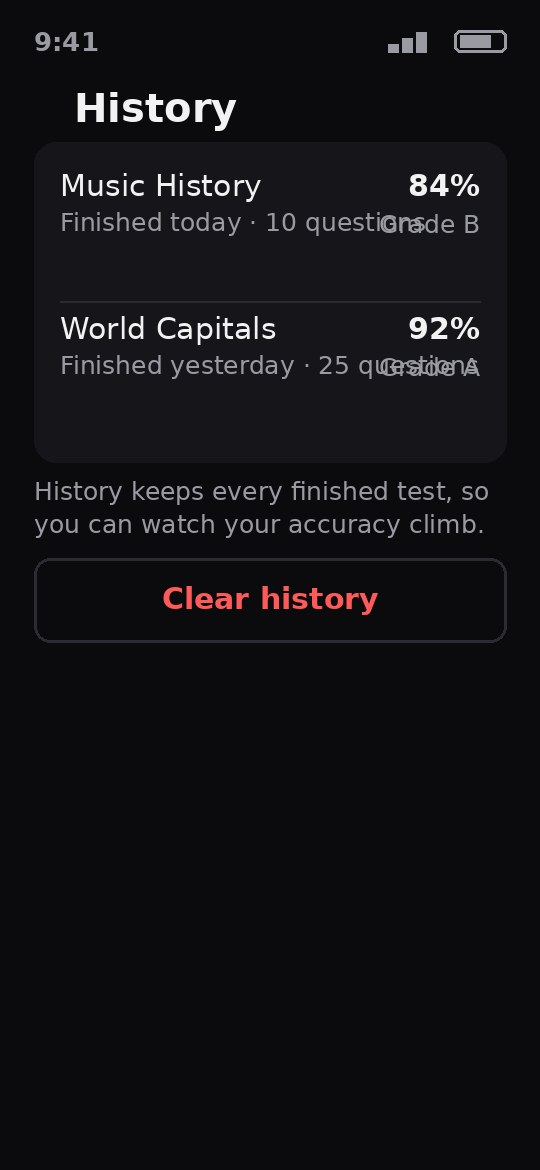
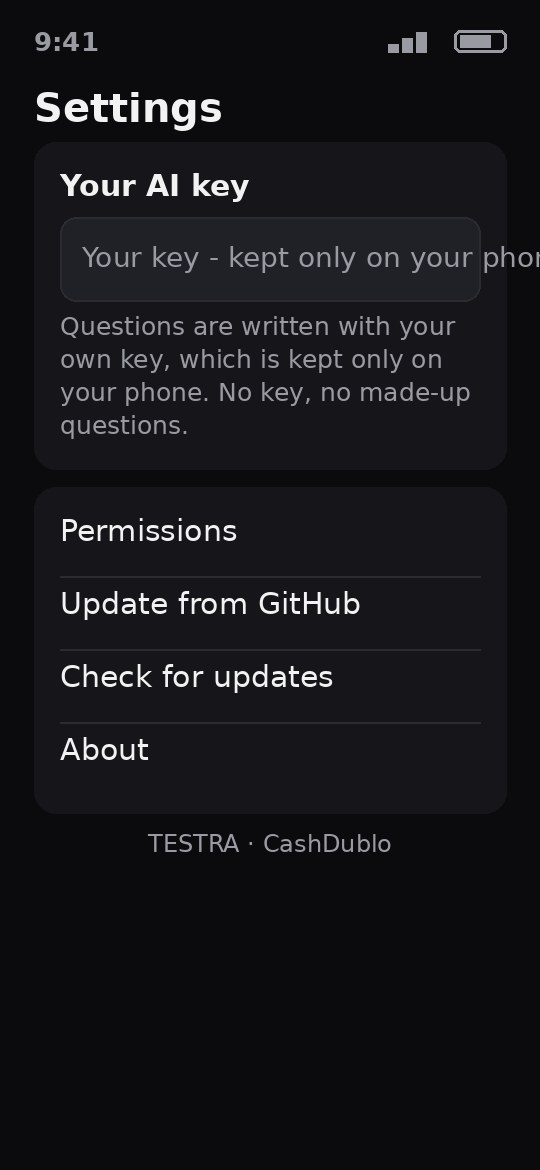
The pictures on these cards are renders drawn from each app's own design files - its real screens, tabs and words, drawn as pictures. They are not photographs of a phone. Real phone screenshots will replace these renders as they are taken.
Apps for your iPhone
The iPhone versions of the CashDublo apps. Each one comes after its Android app reaches its finished version - so these are on the way, not out yet.
Save every idea - notes, sketches, photos, voice memos and blueprints - in one place.
iPhone · TBA
Coming soonThe iPhone version comes after the Android app reaches its finished version.
Your travels drawn as a gold trail on a world map.
iPhone · TBA
Coming soonThe iPhone version comes after the Android app reaches its finished version.
Turn your trip photos into a travel story, with voice notes and a globe.
iPhone · TBA
Coming soonThe iPhone version comes after the Android app reaches its finished version.
Learn English with phrase lessons, speaking practice and word cards.
iPhone · TBA
Coming soonThe iPhone version comes after the Android app reaches its finished version.
Type or paste text and your phone reads it out loud.
iPhone · TBA
Coming soonThe iPhone version comes after the Android app reaches its finished version.
Your portfolio with an AI helper that explains your stocks in plain words.
iPhone · TBA
Coming soonThe iPhone version comes after the Android app reaches its finished version.
Watch your stock portfolio, live prices and price alerts.
iPhone · TBA
Coming soonThe iPhone version comes after the Android app reaches its finished version.
A music player for your own songs, with star ratings, moods, smart playlists and an AI Music DJ.
iPhone · TBA
Coming soonThe iPhone version comes after the Android app reaches its finished version.
For your computer
The flagship desktop app that feeds your phone.
Move your Apple Music playlists and songs from your Windows computer to your Android phone.
- Reads your playlists straight from Apple Music and pushes the songs to your phone at full cable speed
- Your Player app picks the playlists up on its own - no manual import
- Apple Music star ratings are written into your MP3s as they travel, so Player shows them right away
- Never sends the same song twice - a song already on the phone is skipped and noted
- Purge: find double copies on the phone, and clear only the true extras - never the last copy
- Fix Tags: check the songs in any folder and fix their tags, finding songs by how they sound, by their tags, or by file name
- Every tag fix is backed up first, checked after writing, and logged - a star rating inside a song is never changed
- Also runs on Mac
Why have it: your Apple Music library, on your Android phone, with its playlists and star ratings intact - in minutes, not an afternoon of dragging files.
Version 0.7.8 · Windows
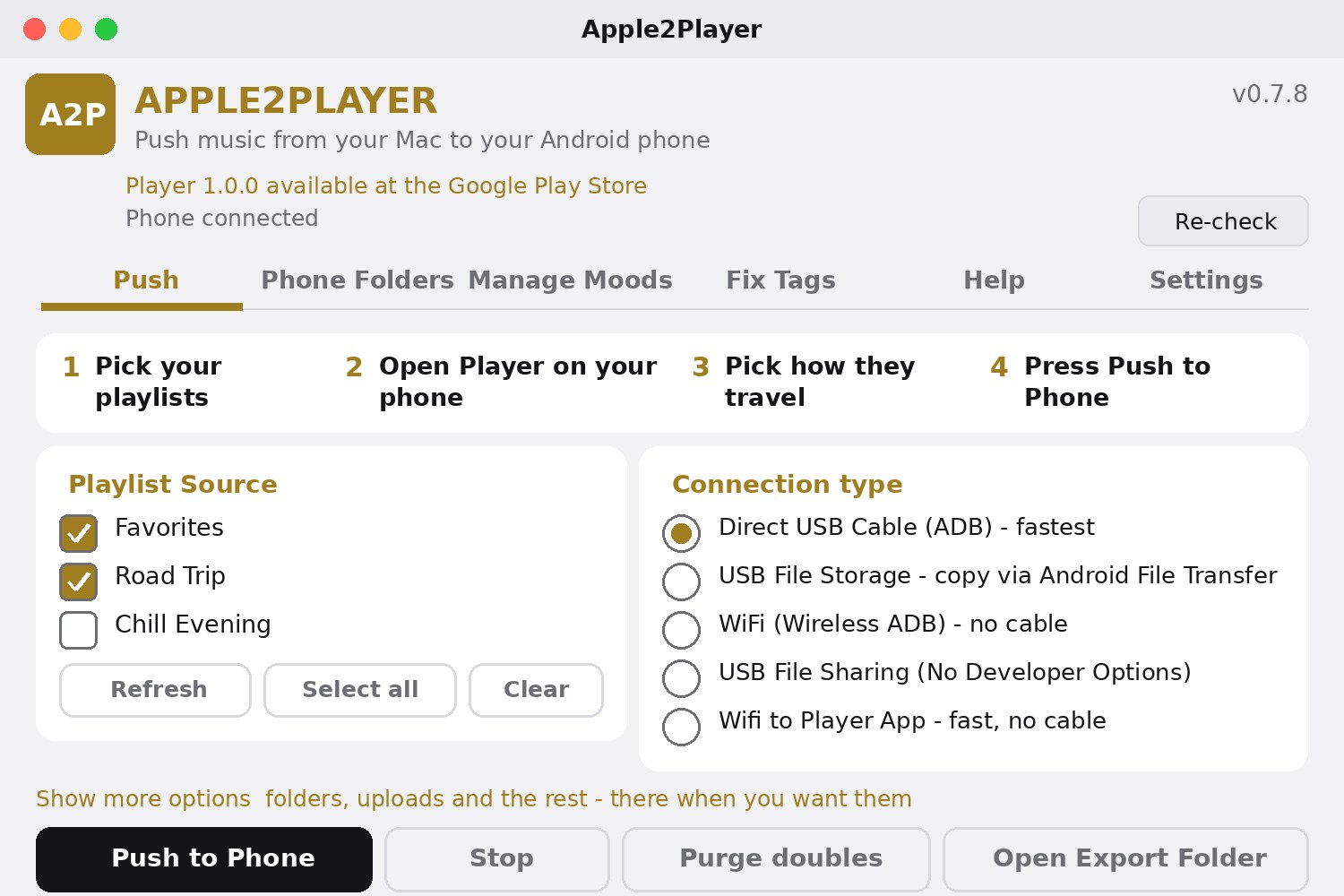
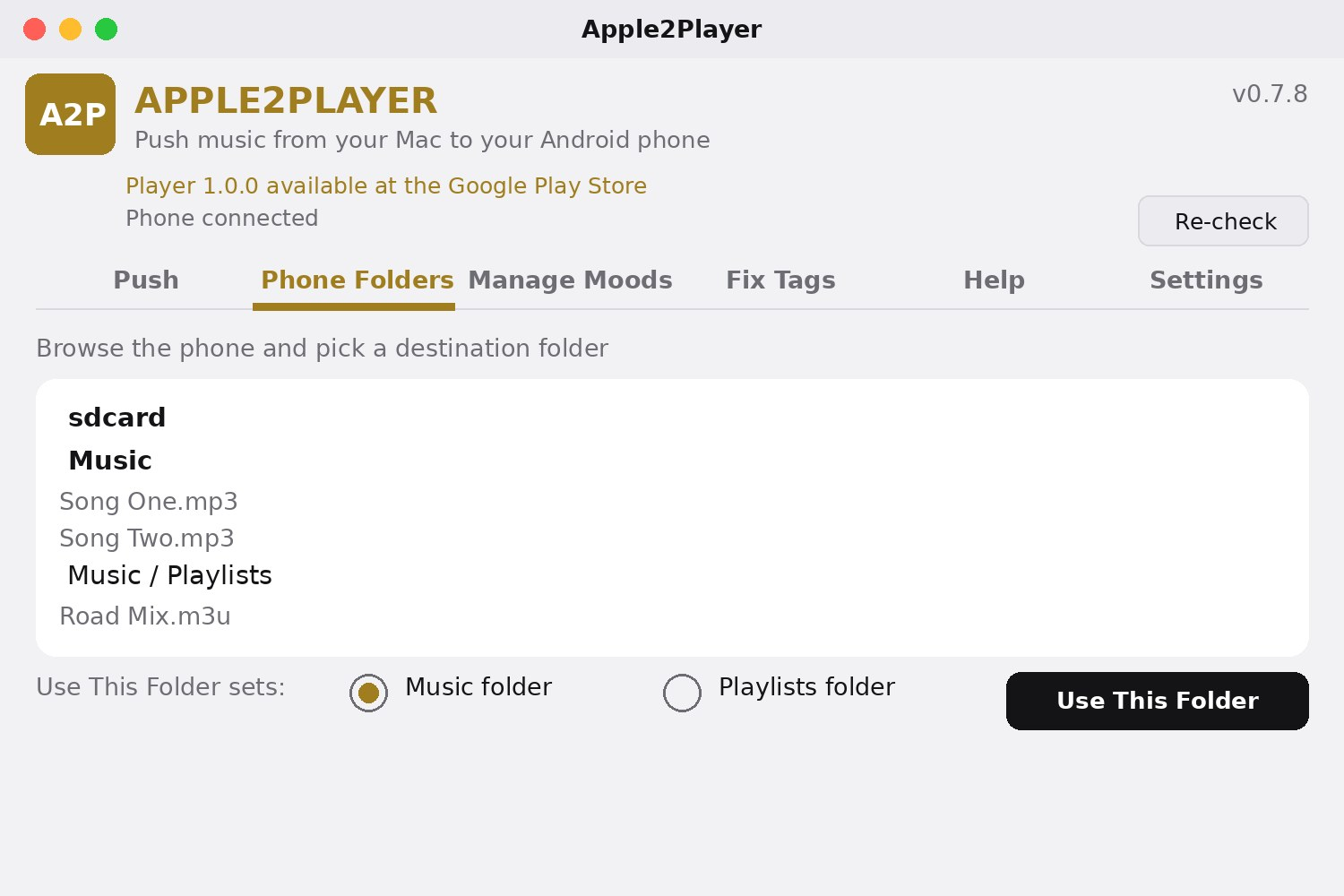
Builds land here as they are made.
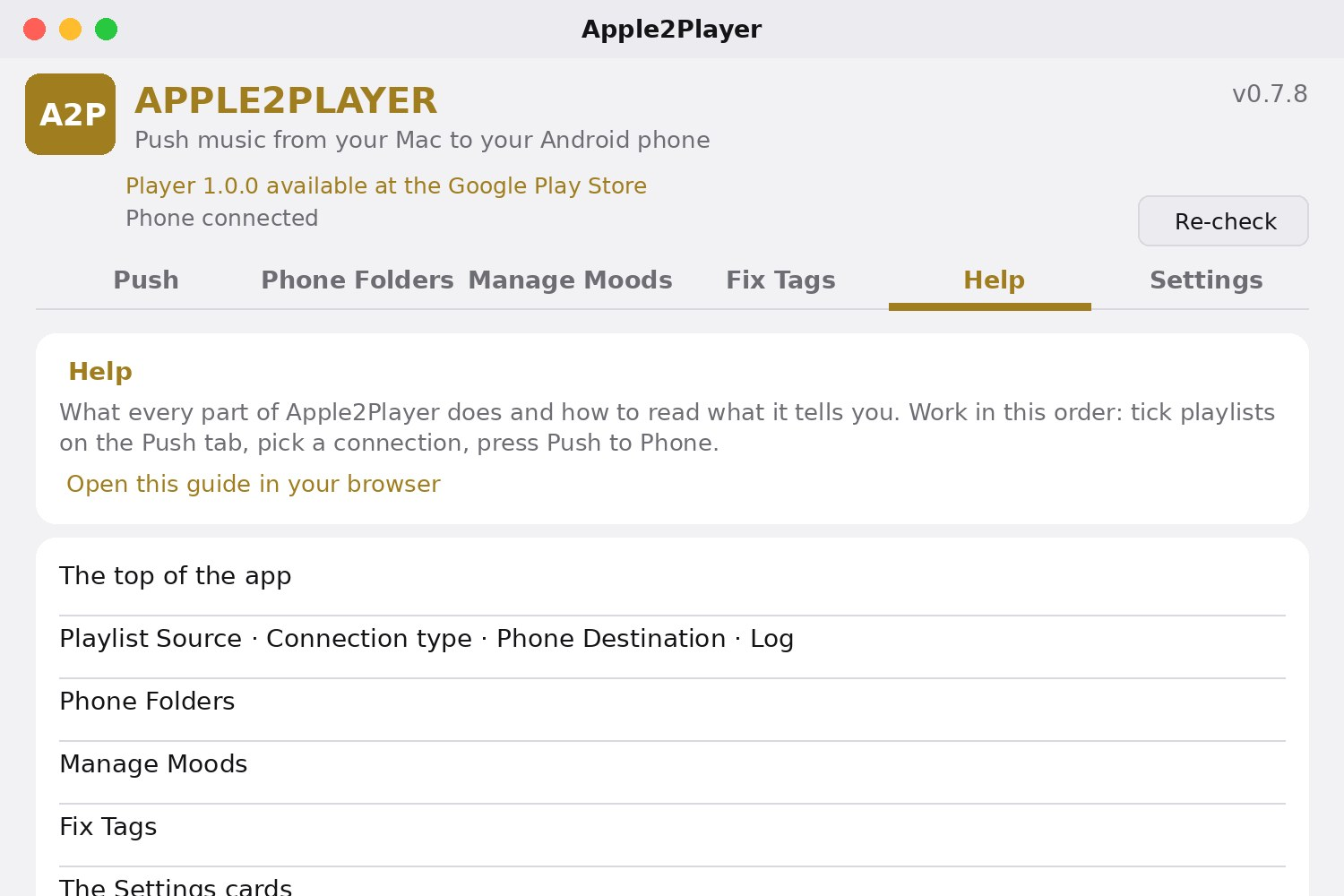
Move your Apple Music playlists and songs from your Mac to your Android phone.
- Reads your playlists straight from Apple Music and pushes the songs to your phone at full cable speed
- Your Player app picks the playlists up on its own - no manual import
- Apple Music star ratings are written into your MP3s as they travel, so Player shows them right away
- Never sends the same song twice - a song already on the phone is skipped and noted
- Purge: find double copies on the phone, and clear only the true extras - never the last copy
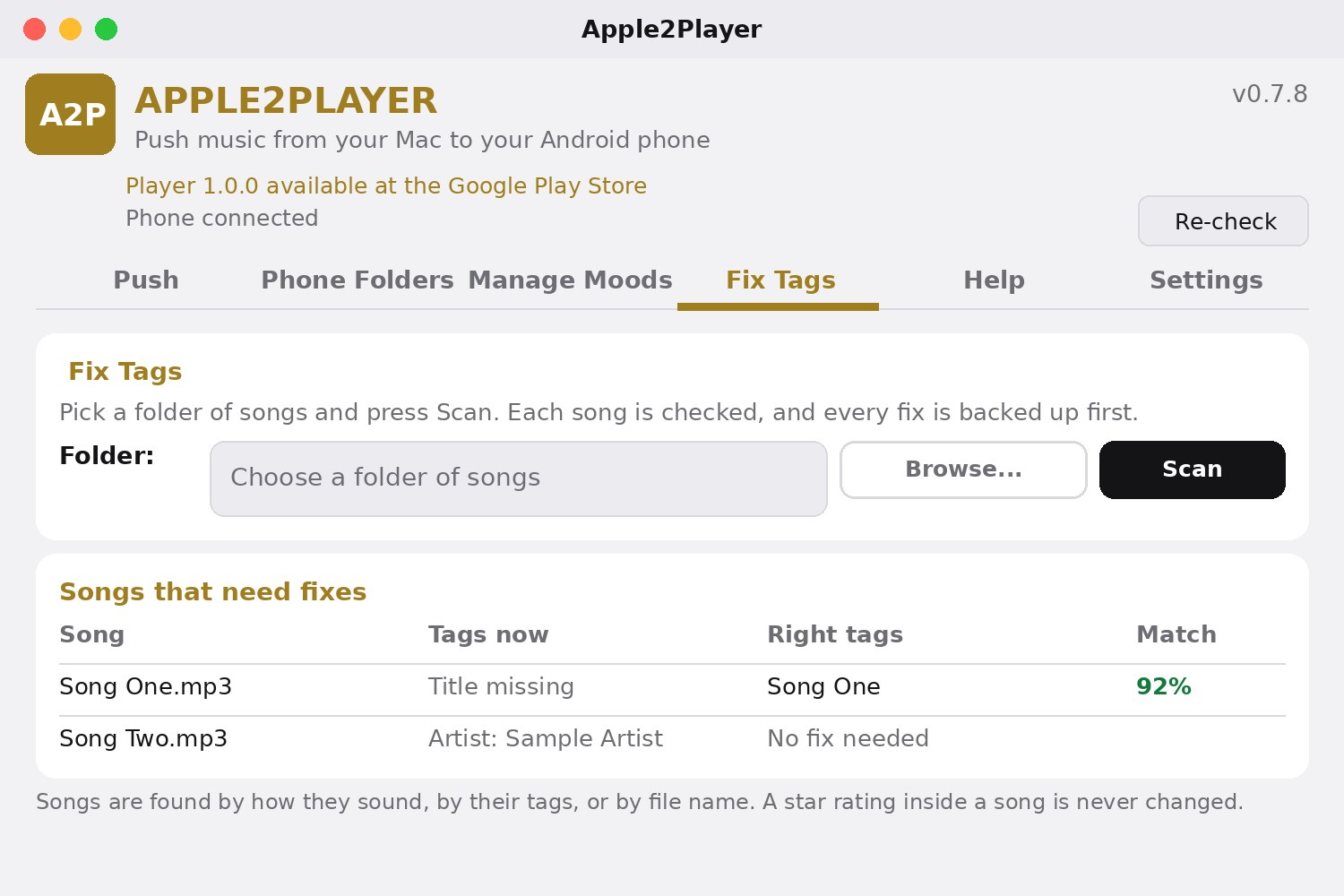
- Fix Tags: check the songs in any folder and fix their tags, finding songs by how they sound, by their tags, or by file name
- Every tag fix is backed up first, checked after writing, and logged - a star rating inside a song is never changed
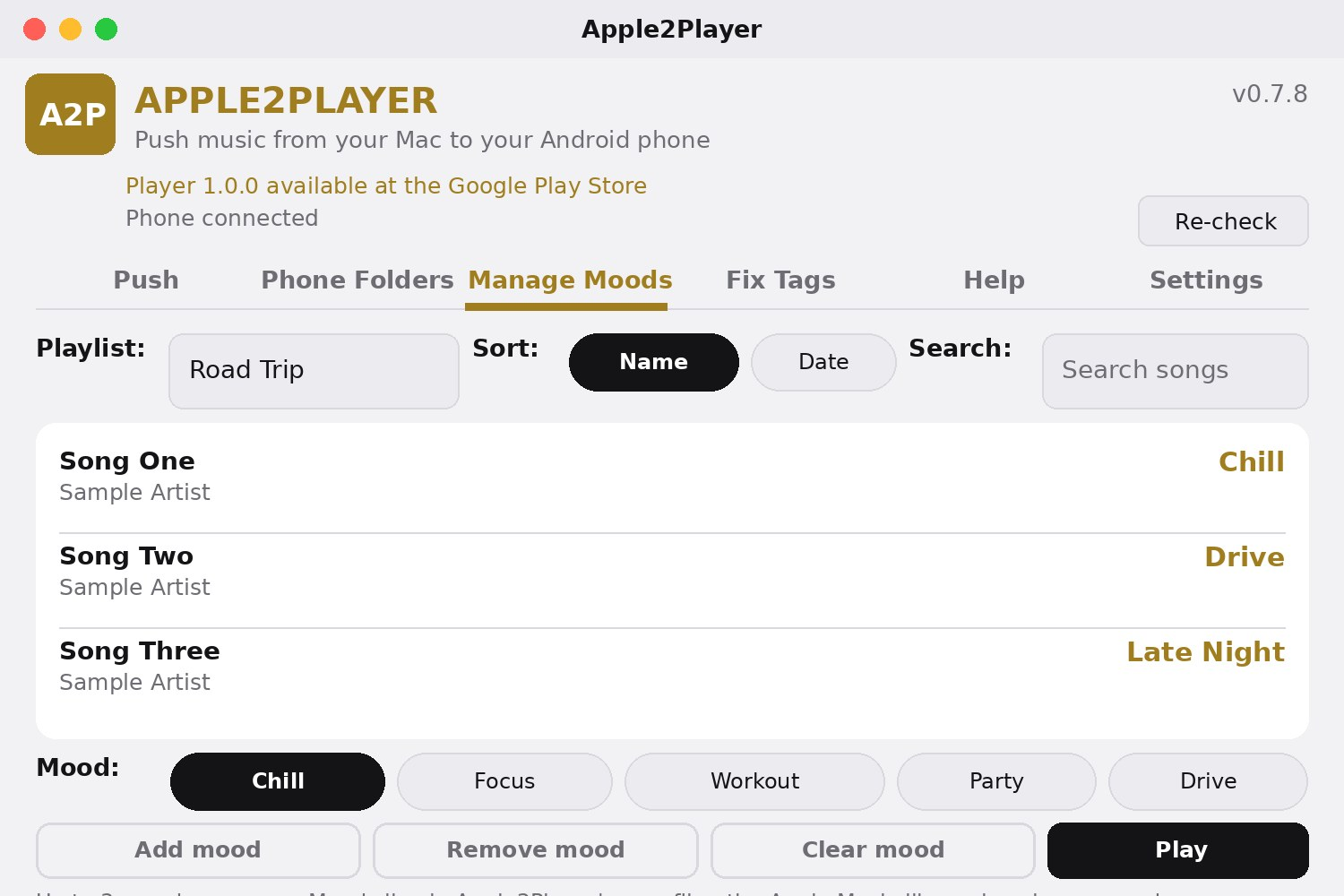
- Song labels: in the background, a few songs a minute, the app works out whether each song is explicit or clean and writes the answer into the moods file Player already receives
- A song no source can settle is counted as not checked - never as clean - and you can set a song's label by hand
- Mood ideas: guesses from a song's genre and speed, each with its reason showing, land on a song only when you say yes
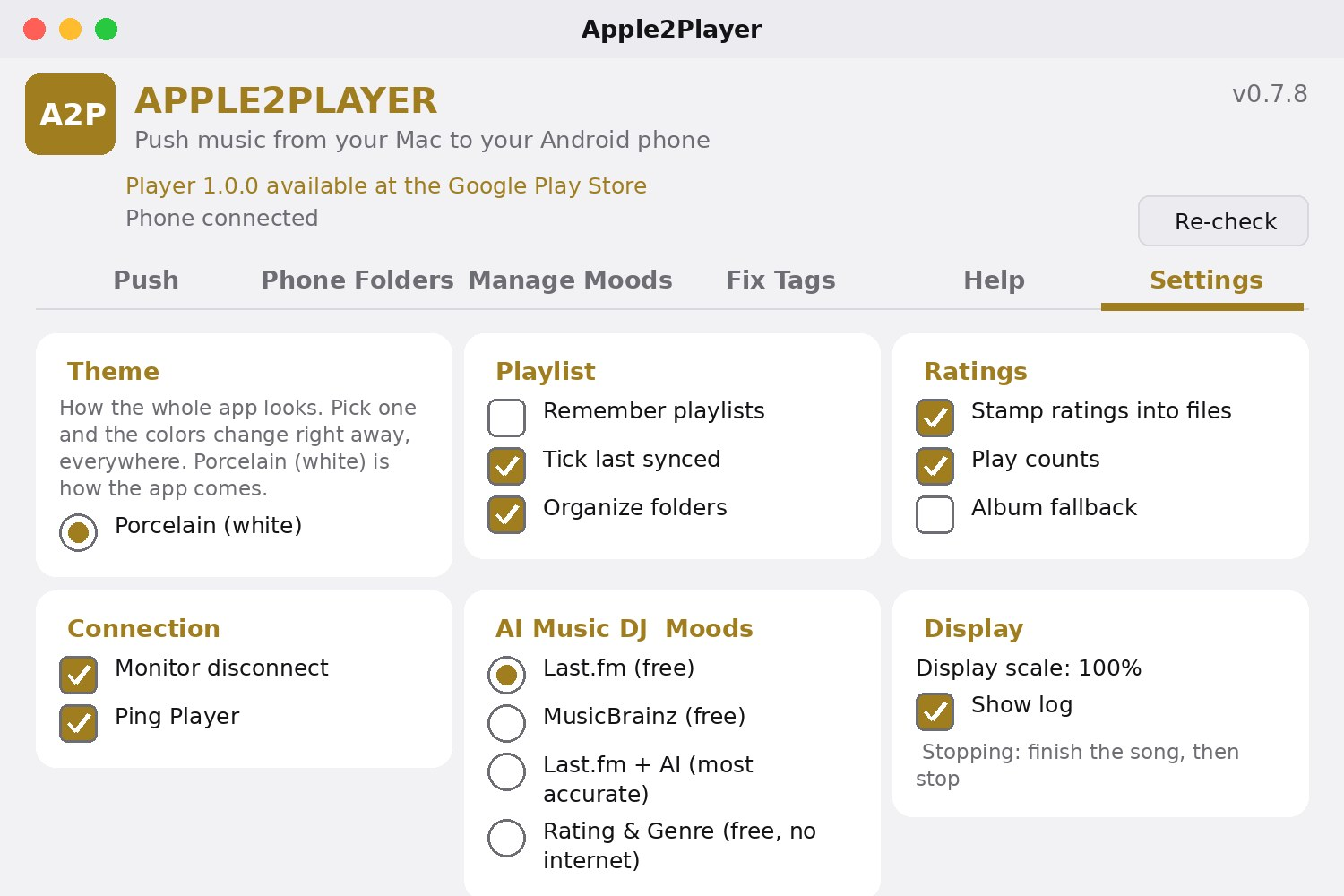
- The WiFi Transfer password is hidden as you type it
- Also runs on Windows
Why have it: your Apple Music library, on your Android phone, with its playlists and star ratings intact - in minutes, not an afternoon of dragging files.
Version 0.8.0 · Mac
Builds land here as they are made.
The pictures on these cards are renders drawn from each app's own design files - its real screens, tabs and words, drawn as pictures. They are not photographs of a phone. Real phone screenshots will replace these renders as they are taken.
For Linux
Linux builds are on the CashDublo list.
No Linux builds are out yet. The CashDublo apps reach Linux one by one as their builds are made - the first Linux version arrives when its build exists.
How updates work
App updates come from the CashDublo updates shelf - the public cashdublo-updates repo on GitHub.
Updates travel as small patches, not whole new apps: your app saves your settings, builds the new version on your phone, checks it, and only then installs it. If anything does not check out, the update stops safely and your app stays as it was.
Tools I Build With
Phone apps in React Native and TypeScript with Expo. Desktop tools in Python. Every line of code kept on GitHub.
And these are my own build tools - the programs and scripts I made to build the apps with:
GitHub HQ
The home screen for your GitHub repos: every repo with its version, its build scripts and its newest finished build - pull, clone and build from one place.
Build Manager
Builds every CashDublo app from one place: pick an app or build them all, watch the run live, and see what got built - from real build records, never guesses.
Rebuild-All
Keeps every CashDublo repo safe: one small backup file holds the whole set, and the rebuild brings every repo back with only the program and the backup - no GitHub, no sign-in, no internet.
Script-Run
Lists your build scripts in one window, each with a plain line on what it does, and runs the one you pick.
App Translator
Turns the CashDublo apps into other languages - Khmer, Lao and Thai first: one AI translates each line, a second AI checks it by translating it back, and only lines that pass are shipped.
CashDublo Coder
A coding helper that runs on your own computer: ask the AI that lives on your machine, browse your GitHub repos, and jump to the docs and forums that help you build.
Change App Icons
Swap an app's icon on GitHub, with a backup saved first so you can undo it - then it reads the icon back to prove the change took.
Build Scripts
The script family that builds and installs the apps: build one app or every app, send the finished apps to the phone, and keep the scripts themselves up to date from GitHub.
Tools
Small helper programs that run on your own computer.
Change App Icons
Swap an app's icon on GitHub, with a backup saved first so you can undo it. The new picture must be a real PNG or JPEG at the exact same size, and after sending, the program reads the icon back and puts the original back on its own if it does not match.
CashDublo Coder
A coding helper that runs on your own computer: ask the AI (a small model on your own machine, offline after a one-time download), browse your GitHub repos and send a file to it, and jump to the docs and forums that help you build.
Script Installer
Lists your build scripts in one window with a plain line on what each one does, and runs the one you pick - in its own windows, or in the terminal pane inside the app.
GitHub HQ
The home screen for your GitHub repos. It opens on your repos - every one of them, with its version, its build scripts and its newest finished build - and can pull, clone and build them from one place.
App Translator
Turns the CashDublo apps into other languages - Khmer, Lao and Thai first. One AI translates each line and a second AI checks it by translating it back; only lines that pass the check are ever shipped, and the rest are held for review.
Build Manager
Builds every CashDublo app from one place: pick an app or build them all, watch the run live, and see what got built - from real build records, never guesses.
Rebuild-All
Keeps every CashDublo repo safe: one small backup file holds the whole set, and the rebuild brings every repo back with only the program and the backup - no GitHub, no sign-in, no internet.